
Free AI Video Generator with No Restrictions
Unfiltered creative freedom with MiniMax H3. Turn text or images into watermark-free videos in the style you imagine, with private-by-default creations. Start free as a guest, or sign in for extra credits.
Explore AI Video Ideas Beyond Templates
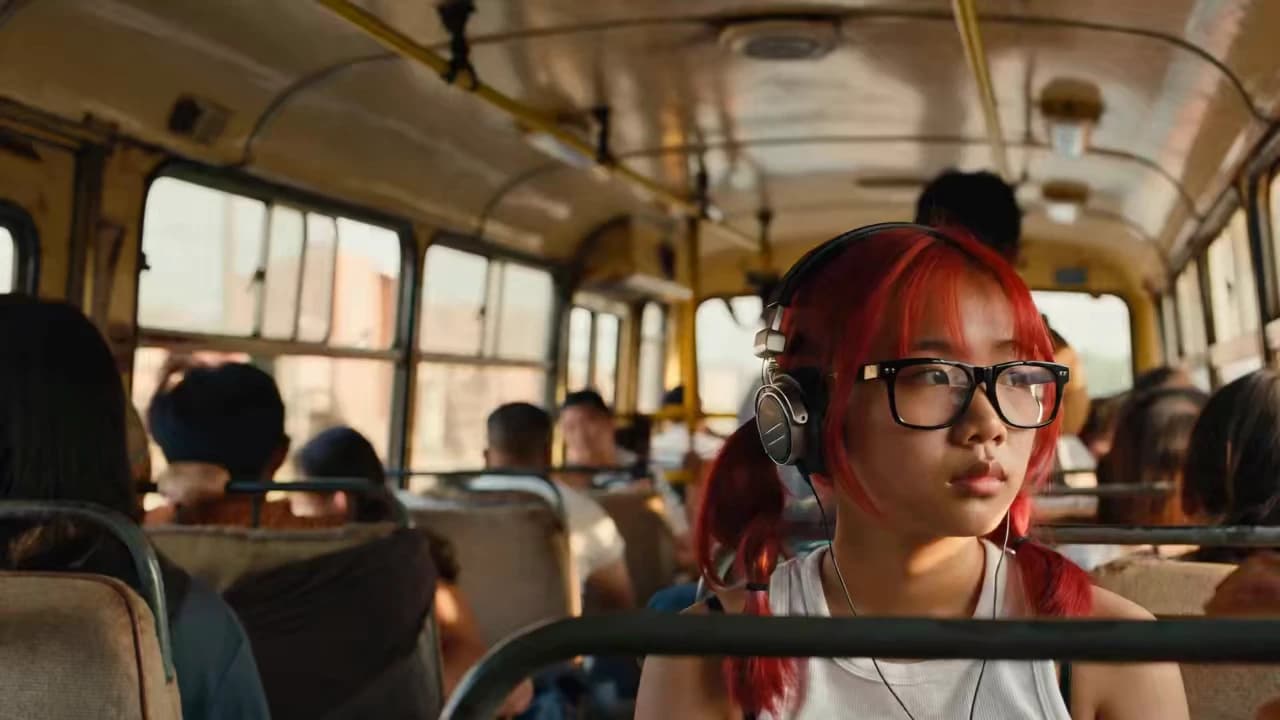
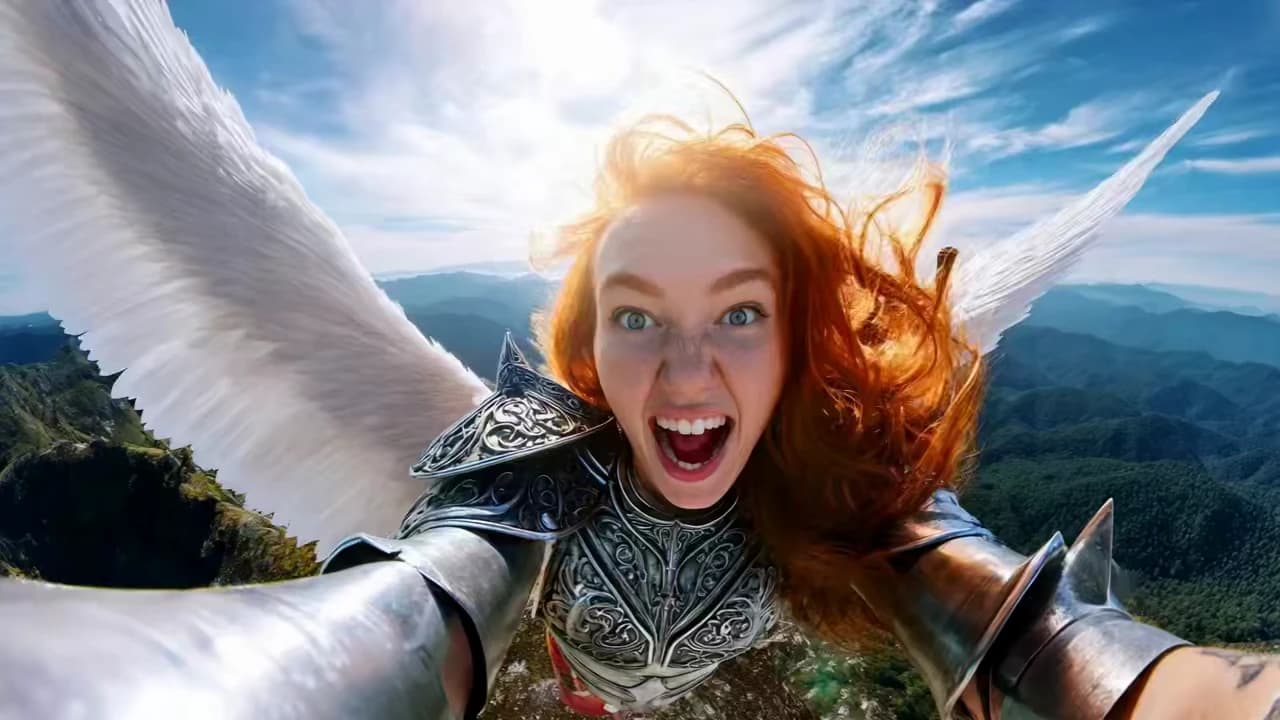
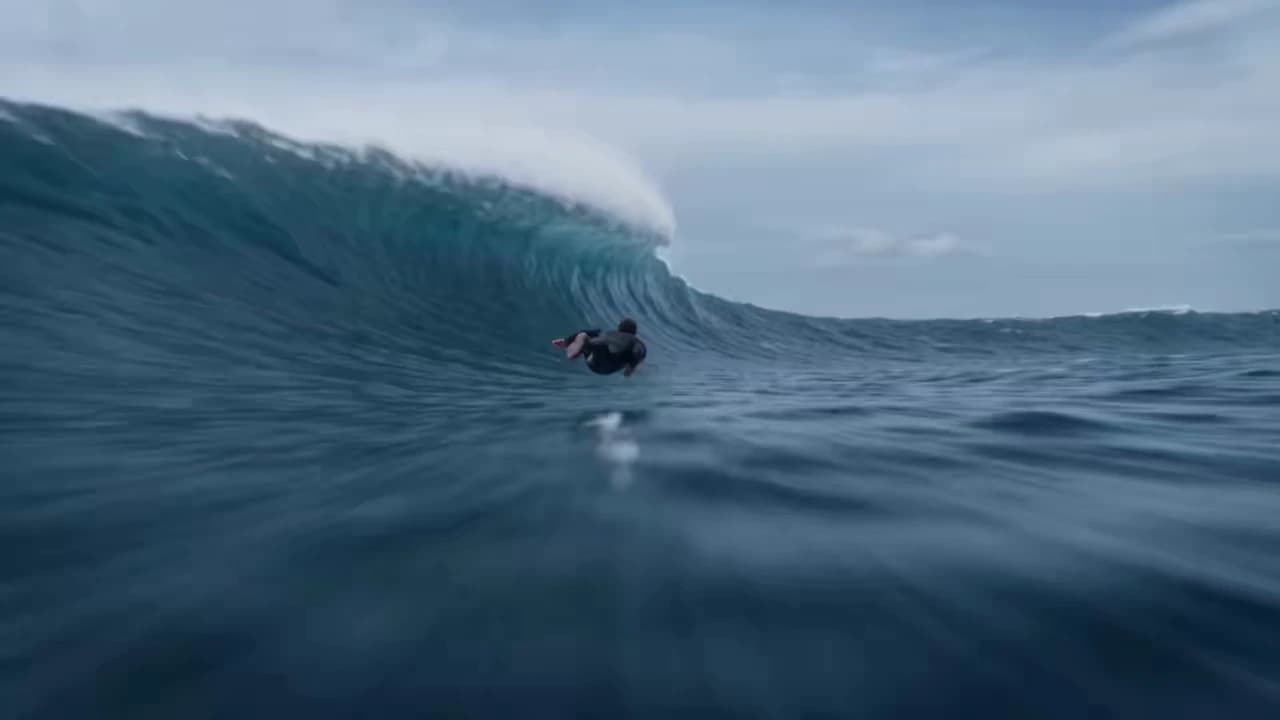
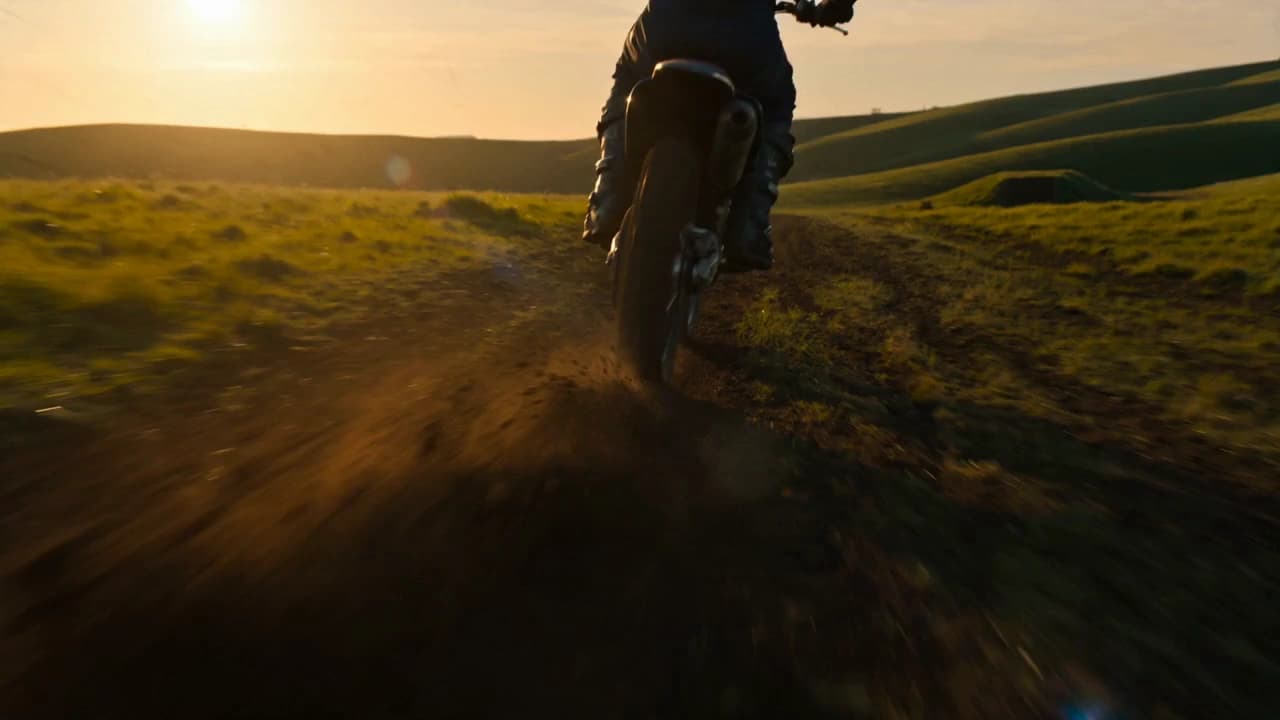
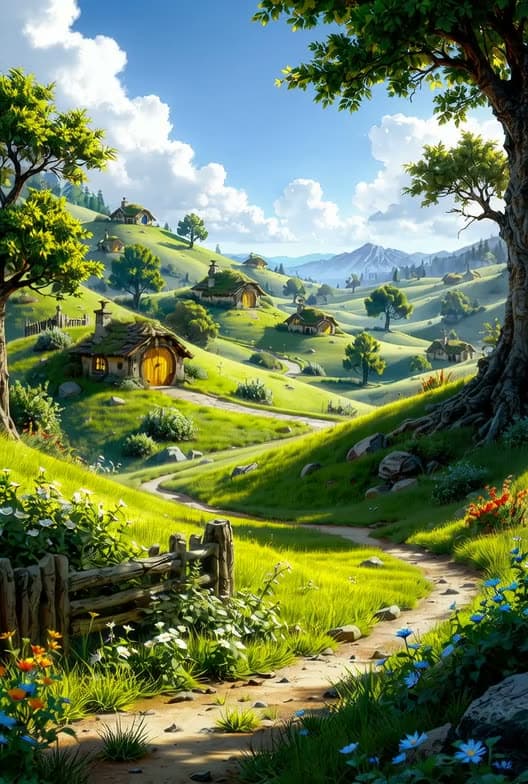
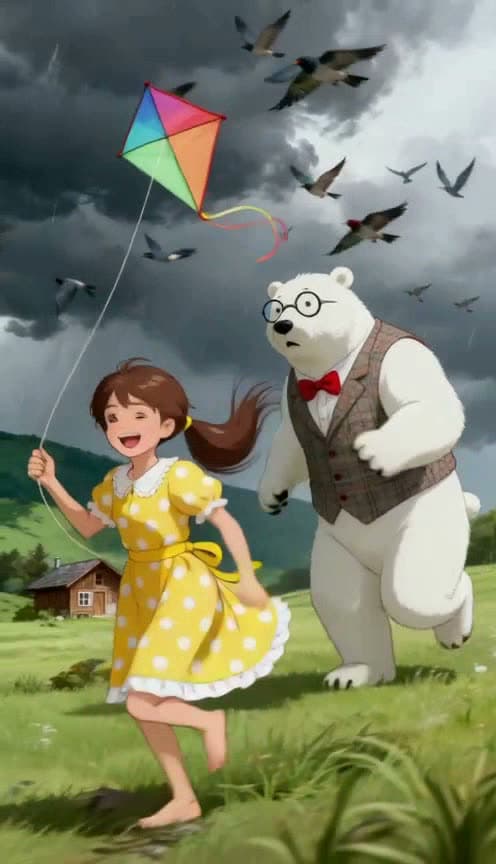
Explore cinematic scenes, animated characters and visual experiments. Start with a subject, add movement and camera direction, and turn your idea into a short AI video.
How Do You Make a Free AI Video?
Start from a text prompt or animate an image. The generator opens with MiniMax H3 at 480p and 4 seconds, ready for your first idea.
- 01
Describe Your Scene
Write a subject, action, setting and camera movement. For image to video, add a starting image and describe how it should move. Choose the visual style that fits your idea.
- 02
Generate Without Signing Up
Start an eligible guest generation without signing up or entering payment details. Keep the 480p, 4-second starting settings or choose supported options. Sign in for extra credits when you want to keep creating.
- 03
Review Your Watermark-Free Video
Play your MiniMax H3 result, check the movement and download your watermark-free clip. Your creation starts private, so you can review it before deciding how to use or share it.
What Can You Create with FreeCreate?
FreeCreate is an online AI video generator for turning text or images into short videos. This page starts with MiniMax H3 at 480p and 4 seconds. MiniMax H3 video outputs are watermark-free, and new creations are private by default.
Shape the subject, mood, camera movement and visual style through your prompt. Explore cinematic realism, animation, fantasy or a visual experiment of your own. MiniMax H3 is the starting model; you can switch models and choose the options each one supports.
| Feature | What to expect |
|---|---|
| Starting model | MiniMax H3 |
| Starting settings | 480p · 4 seconds |
| Creative control | Your prompt, camera movement and visual style |
| Watermark | Watermark-free MiniMax H3 video output |
| Privacy | New creations are private by default |
| Guest access | No sign-up or payment details for an eligible guest job |
| Daily credits | Log in daily to receive credits for generating videos and images |
Log in daily to receive credits you can use to generate videos and images.
Sign up to get more free credits, then log in daily to claim extra credits for more video generations.
Free AI Video Generator with No Restrictions: FAQ
What does no restrictions mean on FreeCreate?
This page focuses on prompt-led creation with MiniMax H3: describe your subject, mood, motion and visual style, then create a watermark-free video. Start without an account using an eligible guest generation. Available settings and accepted inputs can vary by model; the free daily allowance is separate from creative freedom.
Can I generate an AI video without signing up?
Yes. An eligible guest generation starts without an account or payment details. Log in daily to receive credits for generating videos and images.
Does free mean unlimited video generation?
No. You can generate for free using the credits you receive by logging in daily. Each image or video uses credits based on the selected model and settings.
Do MiniMax H3 videos have a watermark?
No. MiniMax H3 videos generated on this page are watermark-free. Review the result and download the clean clip for your next edit or project.
Is AI video generation 100% free?
Yes, it is 100% free. Log in daily to receive credits for generating videos and images.
Can I choose my own visual style?
Yes. Describe the look, atmosphere, camera movement and action in your prompt. Explore realistic scenes, cinematic shots, animation or fantasy. Adjust your prompt and the available model settings to develop the direction you want.
Can I turn a photo into a video?
Yes. Choose a supported image-to-video option, add your starting image and describe the motion. MiniMax H3 supports image-guided video creation; the generator shows the available inputs and settings.
Can I change the 480p and 4-second defaults?
Yes. Open the output settings to choose a supported duration, resolution and aspect ratio. MiniMax H3 starts at 480p and 4 seconds on this page, and your own setting choices take priority over those defaults.
Product Details and Policies
Explore the model guide, current credits and plans, and the policies behind this page.
Make Your First Watermark-Free AI Video
Start with MiniMax H3, write a prompt or animate a photo, and find the visual style for your next idea. Try an eligible guest generation with no sign-up.