
Free AI Halloween Video
A little eerie. A little cinematic. Entirely yours. Turn a spooky idea into an AI Halloween video with ready-to-use prompts and your own creative twist.
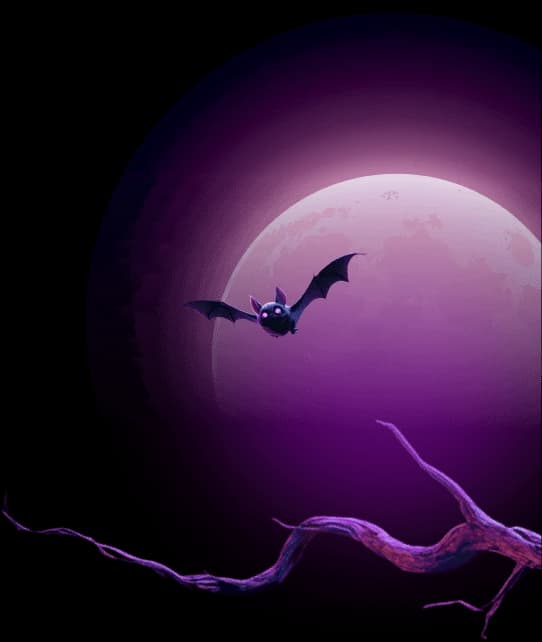
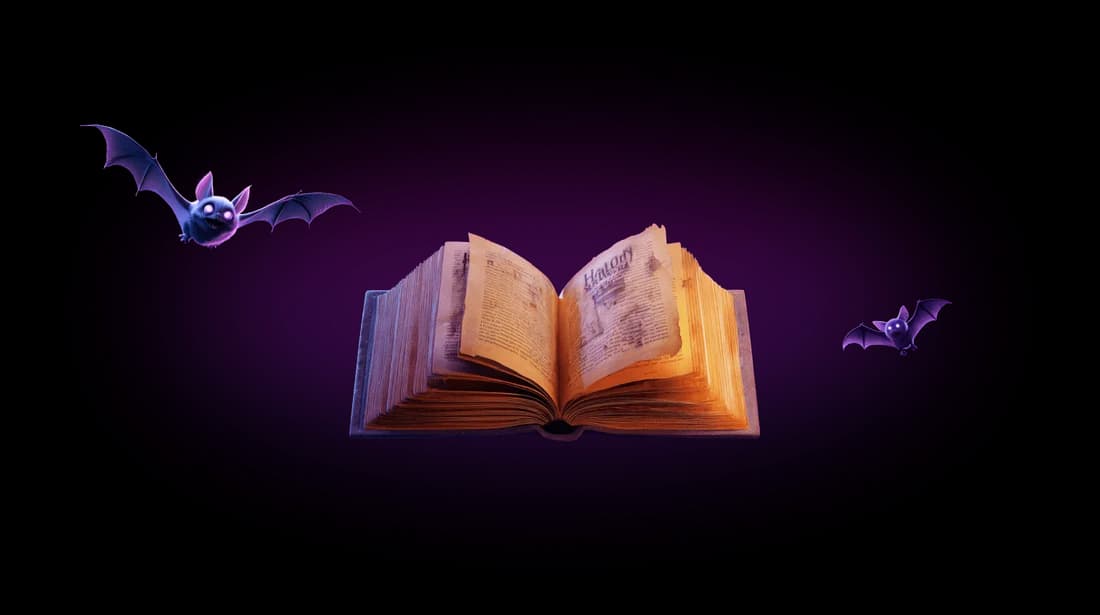
Halloween video templates
From glowing pumpkins to moonlit magic, find a starting point for your next Halloween video. Choose a template to fill the generator, then edit the prompt before you create.
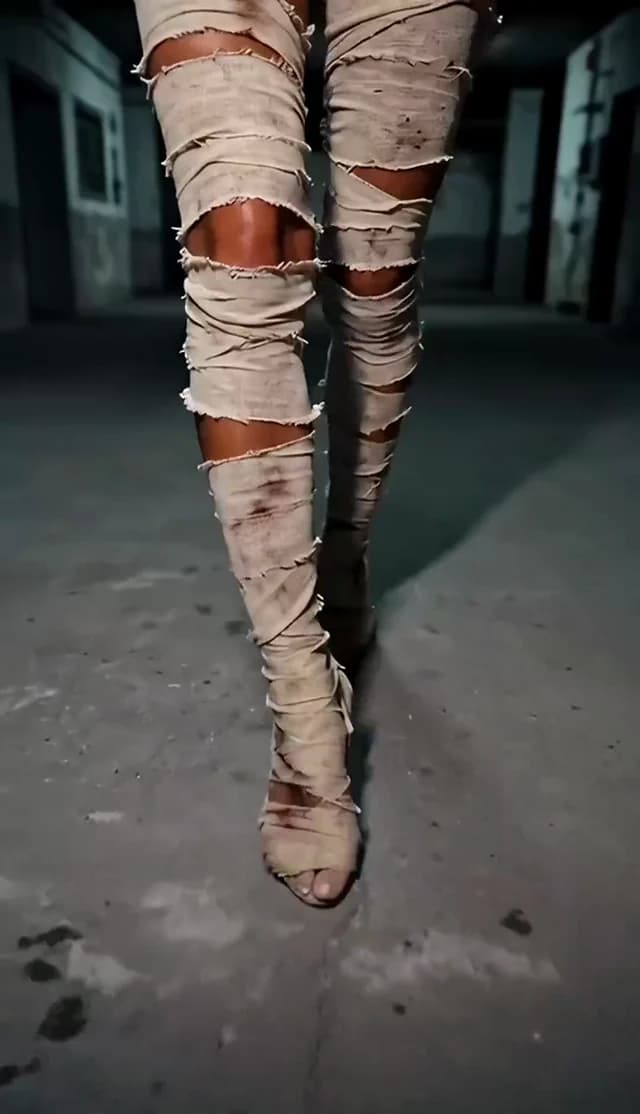
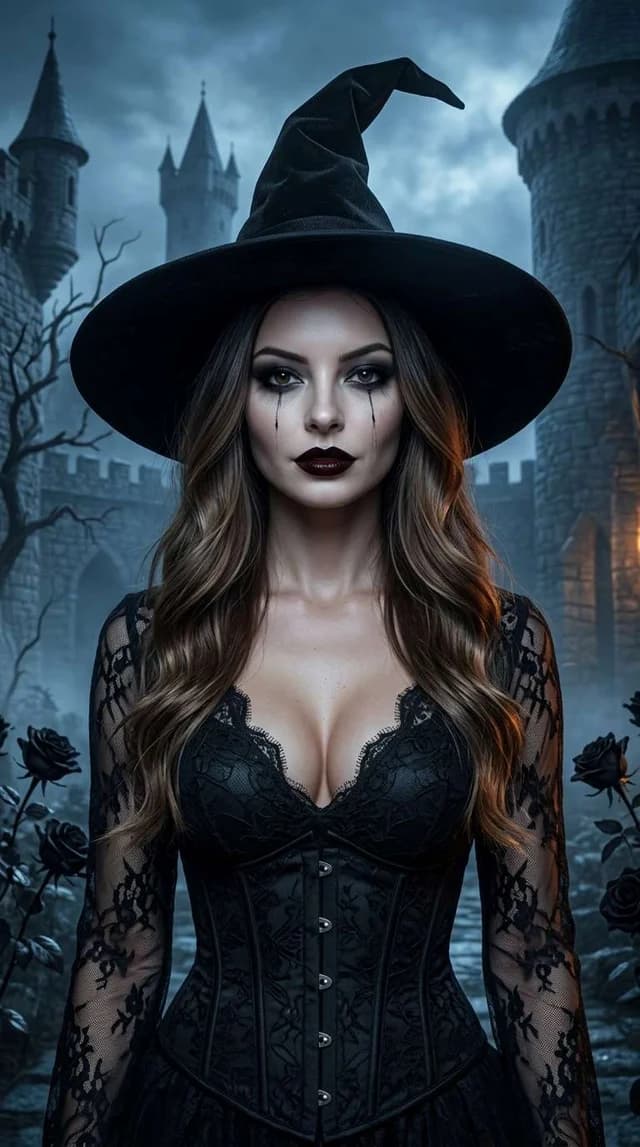
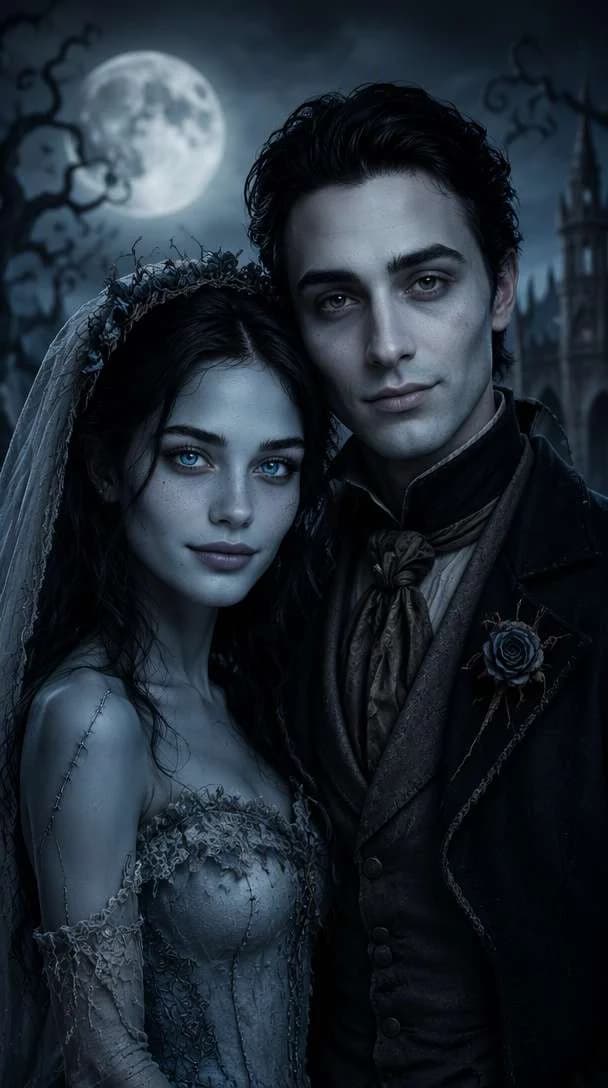
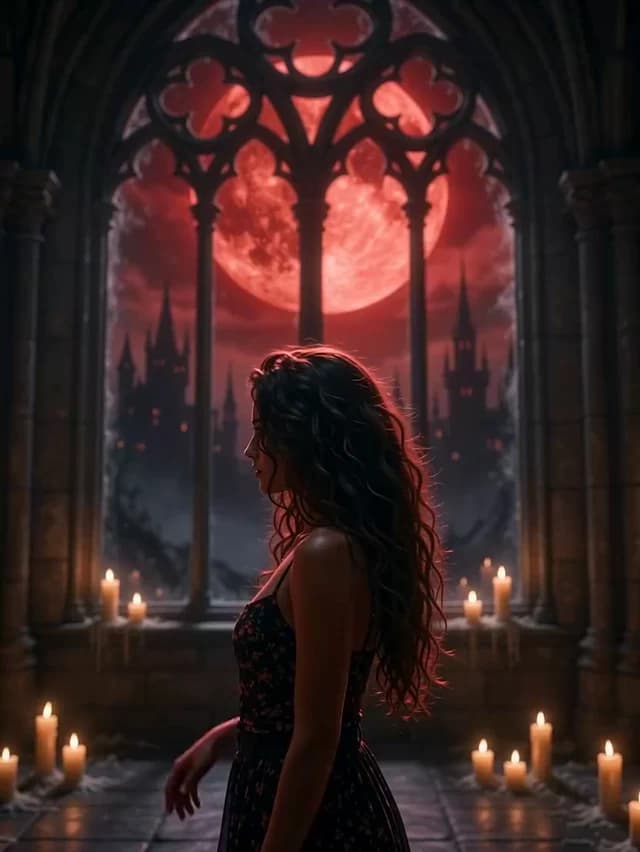
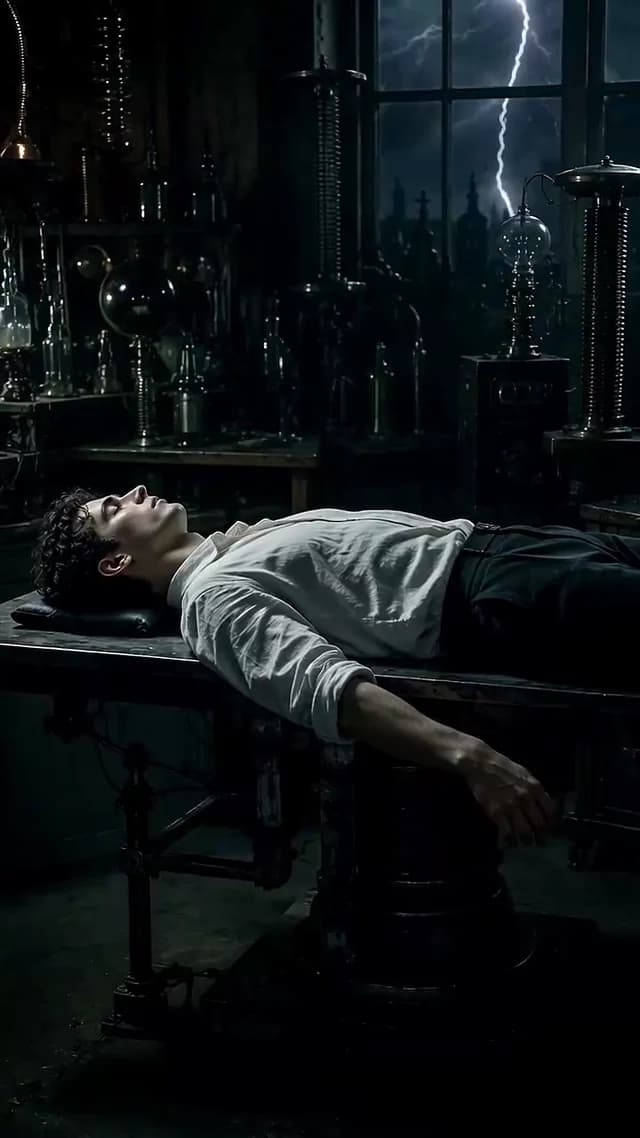
More Halloween video effects
The seven templates above are starting points. The AI Effects catalog holds hundreds of ready-made Halloween looks — pumpkin, witch, ghost, zombie, skeleton, vampire, haunted house and more. Open the catalog with the Halloween tag already selected and pick the one that matches your scene.
- Urban Pumpkin Phantom
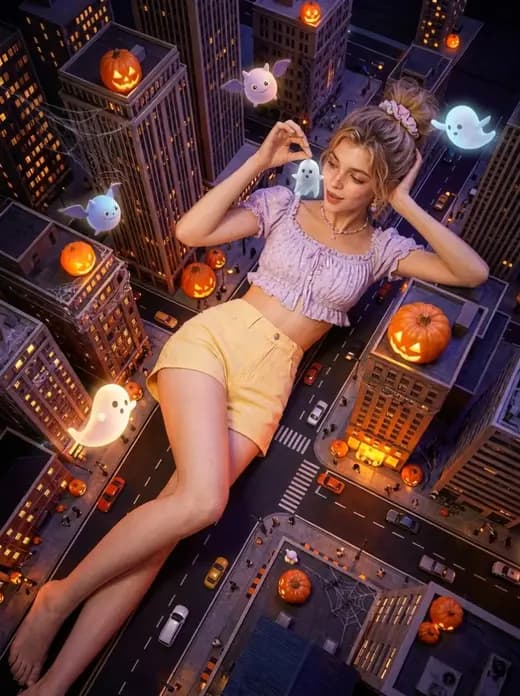
- Witch Owns the Night
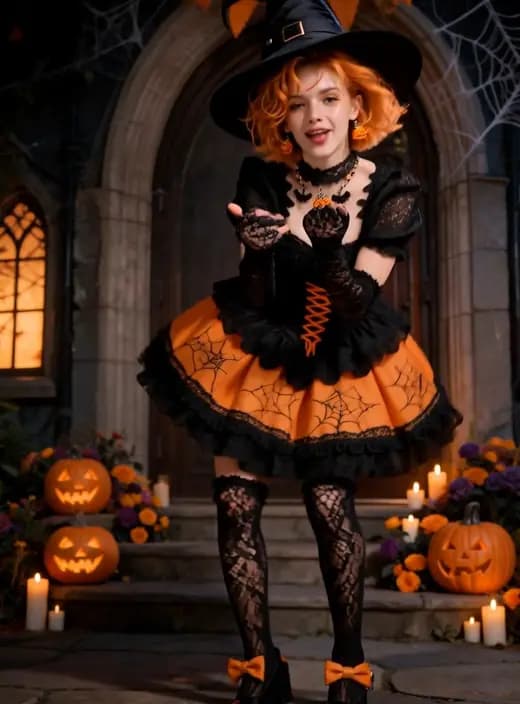
- Ghost Bride
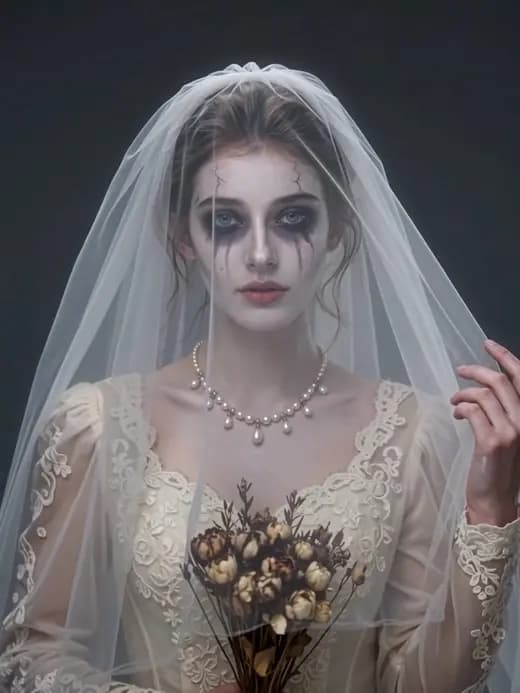
- AI Zombie
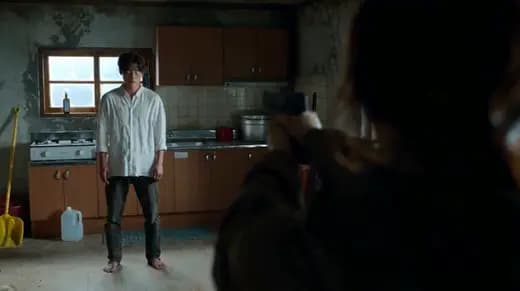
- Skeleton King
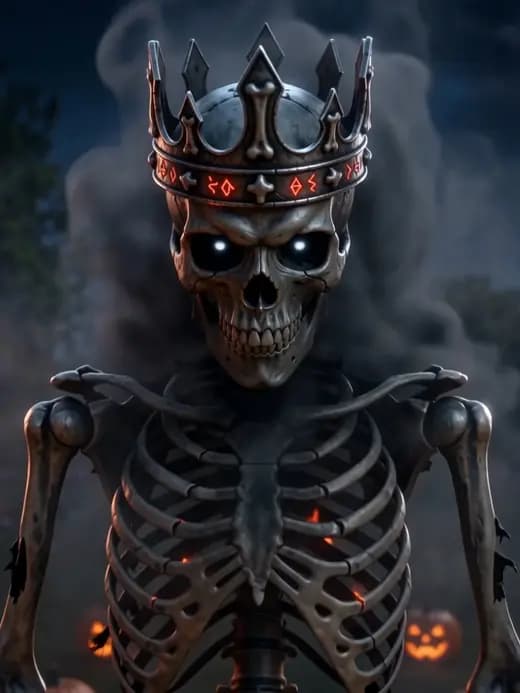
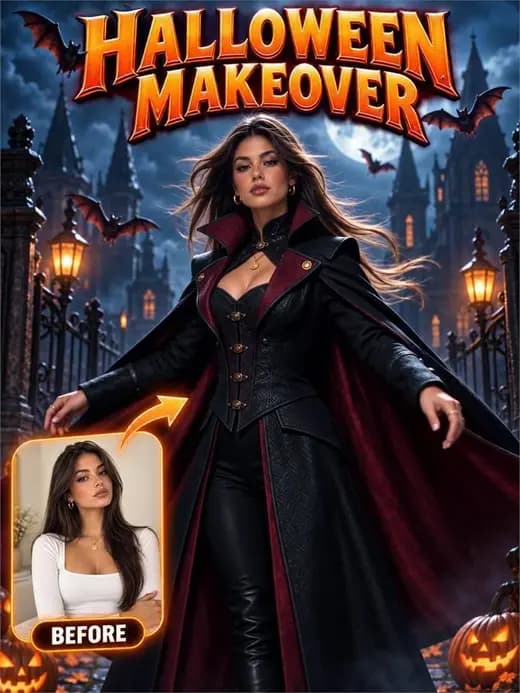
- Vampire Awakening
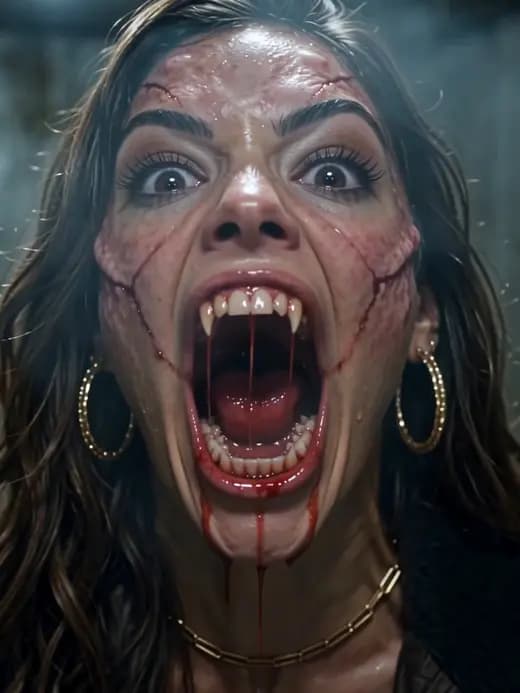
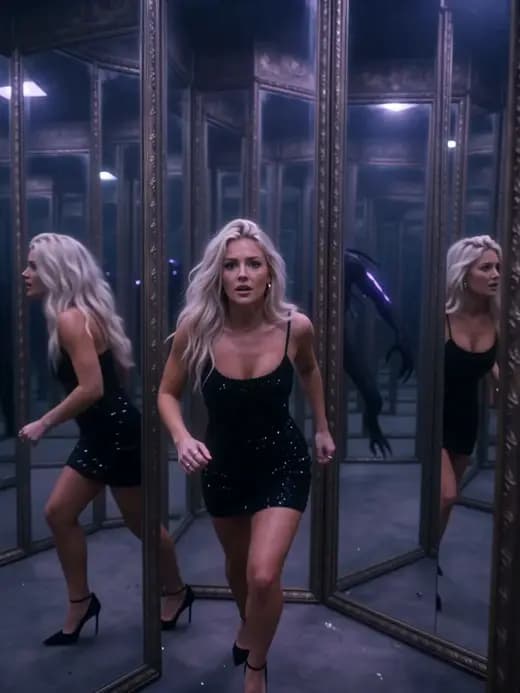
- Haunted Mirror Maze
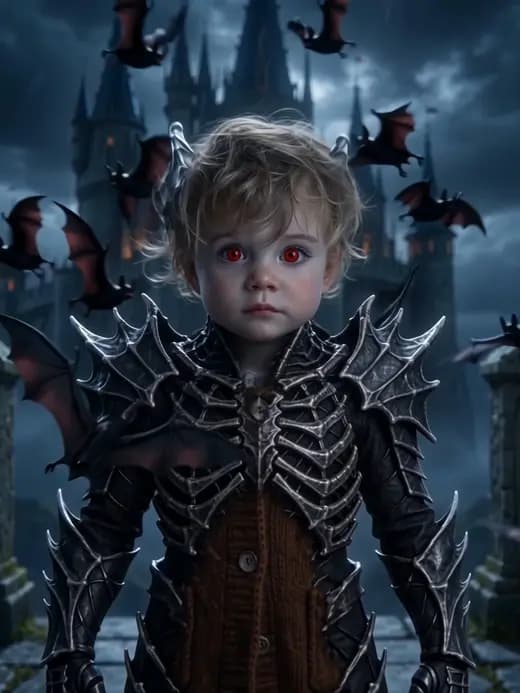
- Night Bat Transformation
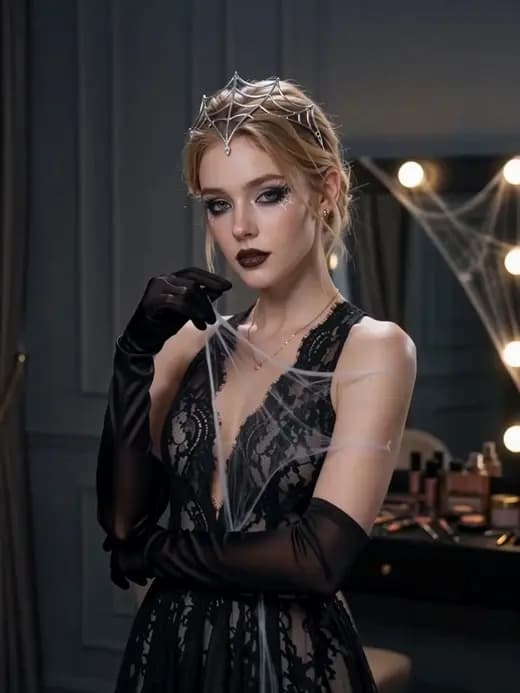
- Spider Web Witch
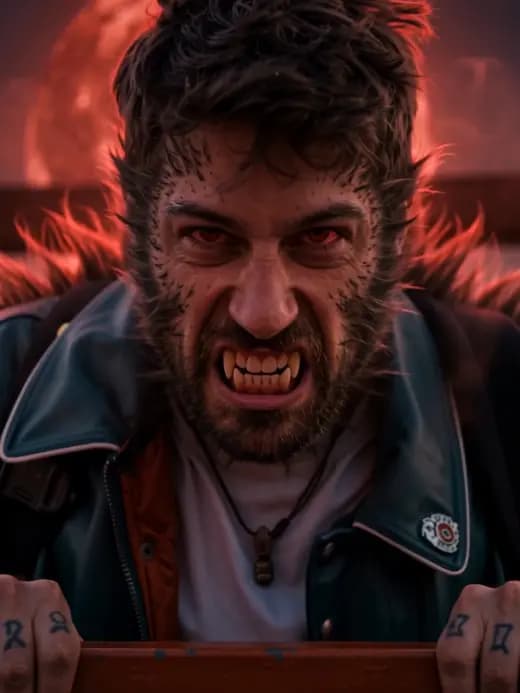
- Werewolf Awakening
- Halloween Vampire
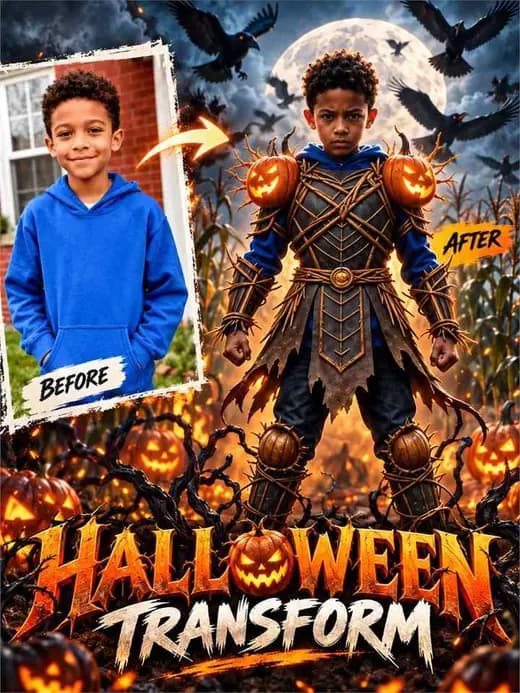
- Pumpkin Warrior
Halloween video styles you can direct
Every style below works with the same generator. Choose the mood first, then describe the motion you want the camera and the subject to perform.
Pumpkin and jack-o'-lantern
Glowing carved faces, candle flicker and fog rolling across a pumpkin patch. Best for opening shots, seasonal intros and warm orange key light against a violet night.
Witch and spellcasting
A pointed hat, a moonlit forest and hands raised over a glowing cauldron. Slow push-ins and drifting mist keep the spell readable without losing the face.
Ghost and haunted house
Sheets, apparitions and a gothic facade with lit windows. Use a slow orbit so the house stays in frame while the ghost drifts toward the camera.
Vampire and gothic portrait
Candlelit interiors, velvet textures and cool moonlight on pale makeup. A restrained head turn or a single step forward reads better than a big transformation.
Zombie and skeleton
Theatrical makeup, a shambling walk and practical-looking costumes. Keep the movement loose and uneven, and let the camera hold steady.
Halloween selfie and group shot
Front-facing portraits with costume details and party lighting. A gentle handheld push-in plus one natural blink keeps it believable as a real phone clip.
Halloween prompt ideas to start from
Short prompts leave room for the model to improvise; specific ones lock the look. Start with one of these and change the subject, the location or the camera move.
Pumpkin patch walk
An adult in a dark coat walks slowly through a fog-covered pumpkin patch at night. Carved jack-o'-lanterns glow along the path and their warm light flickers across the character's face. A steady tracking shot follows from the front, shallow depth of field, violet night sky, realistic motion, no text or logos.
Witch over a cauldron
An adult witch in a wide pointed hat stirs a glowing cauldron inside a moonlit ruin. Green vapor coils upward as her sleeves move in the draft. The camera makes a slow circular orbit that keeps both the cauldron and her face visible. Theatrical Halloween costume, cinematic contrast, no text or logos.
Haunted hallway reveal
A camera glides down a long abandoned hallway with peeling wallpaper and a single swinging pendant light. At the far end a pale apparition slowly comes into view. Dust drifts through the beam, the light flickers once, and the camera keeps a slow forward dolly. Eerie but not graphic, no text or logos.
Costume reveal spin
An adult model in a simple dark outfit stands in a dim studio. In one continuous motion the character spins once and the costume changes into an elaborate Halloween outfit with layered fabric and theatrical makeup. The camera stays locked while the fabric settles, crisp lighting, realistic head and hand motion, no text or logos.
Make a Halloween video in three steps
Choose your scene
Pick a Halloween prompt template or start with an idea of your own.
Add your own twist
Edit the prompt, add a supported reference image, and choose your video settings.
Generate your video
Review the displayed credit cost, generate, and download your finished result.
Free AI Halloween video FAQ
Can I create a Halloween video for free?
You can start with available free account credits. Generating a video consumes the credits shown before submission. Available models, credit rewards, and pricing may change.
How do Halloween video templates work?
Each template fills the generator with a themed prompt. You can edit it before generating. Template images are visual inspiration, and your generated result will vary.
Can I animate my own Halloween photo?
If your chosen video model supports reference images, upload your photo in the generator and describe the motion you want. Supported inputs depend on the selected model.
Do I need to join a contest?
No. This is a Halloween video creation tool. There are no competition entries, prizes, or submission deadlines.
What can I do if the seven templates do not match my idea?
Open the AI Effects catalog with the Halloween tag selected. It contains hundreds of Halloween looks across pumpkin, witch, ghost, zombie, skeleton, vampire and haunted-house themes that you can browse before writing your prompt.
How long should a Halloween video be?
Short clips are easier to keep coherent. Most social formats work well between three and ten seconds, which is enough for one clear motion such as a head turn, a reveal, a walk or a spin. Longer durations depend on the selected model.
Which camera motion works best for a Halloween video?
Slow push-ins, gentle orbits and steady tracking shots read as cinematic and hide small imperfections. Save sudden zooms or fast cuts for models and prompts that explicitly support them.
Can I use the generated video on social media?
You are responsible for how you use your results. Follow the content policy, respect the rights of anyone shown or referenced, and check the terms of the model you selected before publishing.
Give your imagination a spooky side
Your next Halloween story starts with a single prompt.
Create Halloween Video