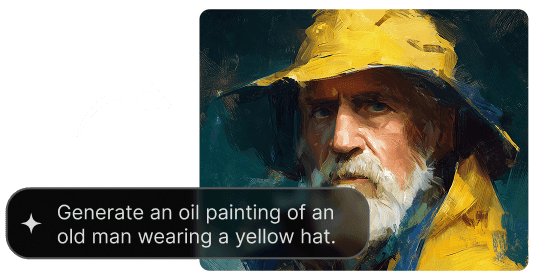
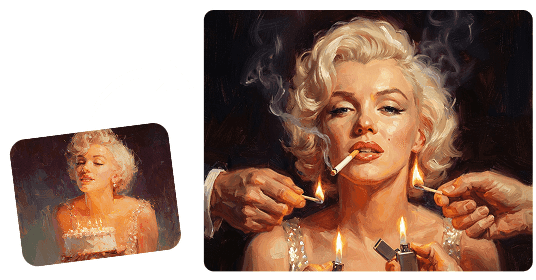
Convierte la foto de tu mascota en arte. Sube una foto de tu perro o gato, elige un estilo y crea un retrato personalizado.
Crea un retrato personalizado a partir de una foto de tu mascota. Nuestro generador de retratos con IA permite explorar estilos artísticos para perros y gatos, desde ilustraciones divertidas hasta acabados inspirados en la pintura. Elige una foto nítida y un estilo para empezar.
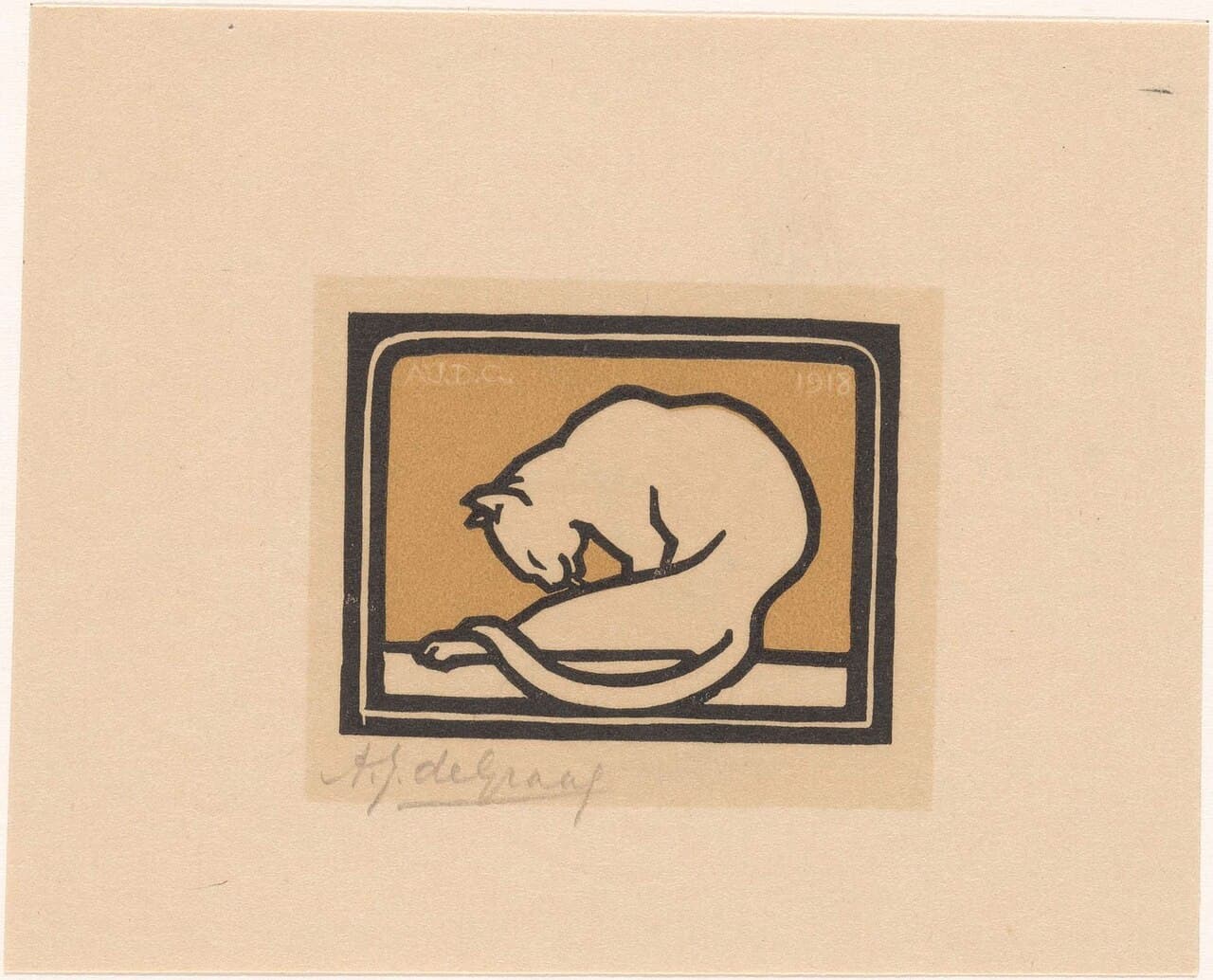
Prueba Acuarela para aguadas suaves, Óleo para pinceladas texturizadas, Caricatura para contornos divertidos o Boceto a lápiz para un acabado dibujado. Estos ajustes describen a la IA el aspecto que buscas. Mantén la misma foto de referencia y cambia de estilo para comparar los resultados.
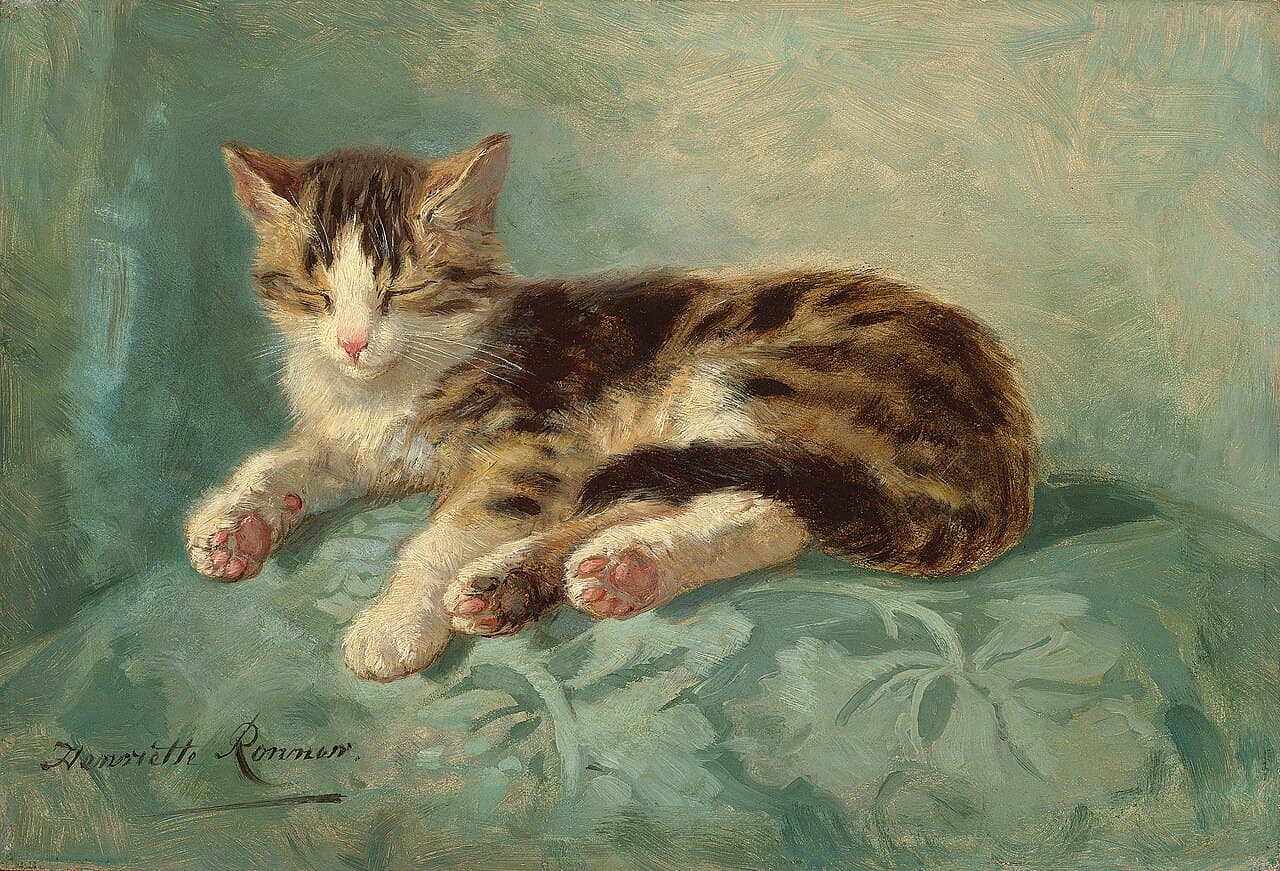
Un retrato de mascota debe sentirse personal. Los ajustes piden a la IA conservar reconocibles el color y las marcas del pelaje, los ojos, las orejas y la forma del rostro. Los resultados pueden variar: compara el retrato con la foto original y ajusta el texto si cambia algún rasgo distintivo.
Explora el efecto de foto a pintura con instrucciones de acuarela u óleo. El resultado es una imagen digital inspirada en la pintura, no un encargo pintado a mano ni una impresión física. Revisa sus dimensiones en píxeles antes de elegir un tamaño de impresión.
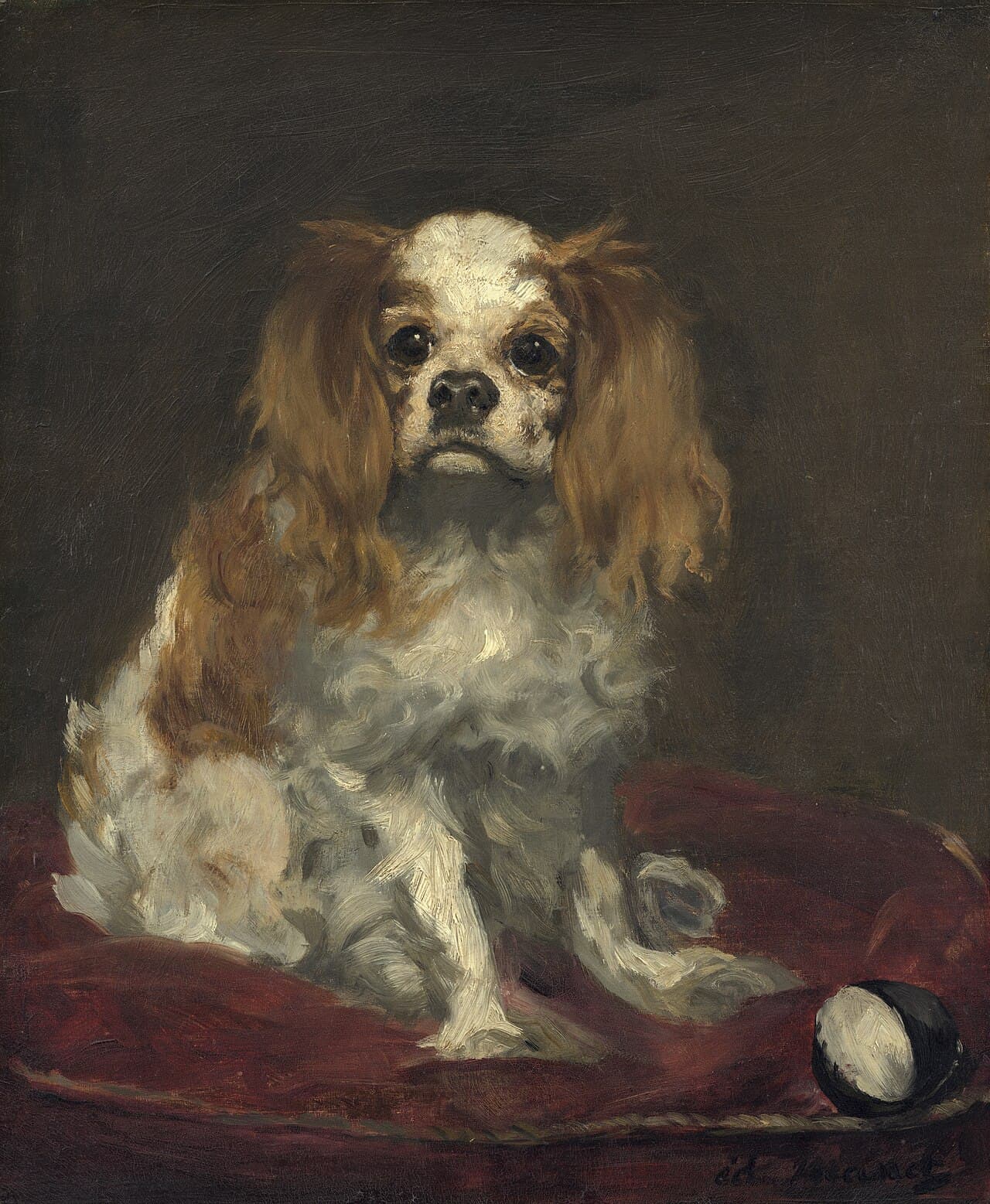
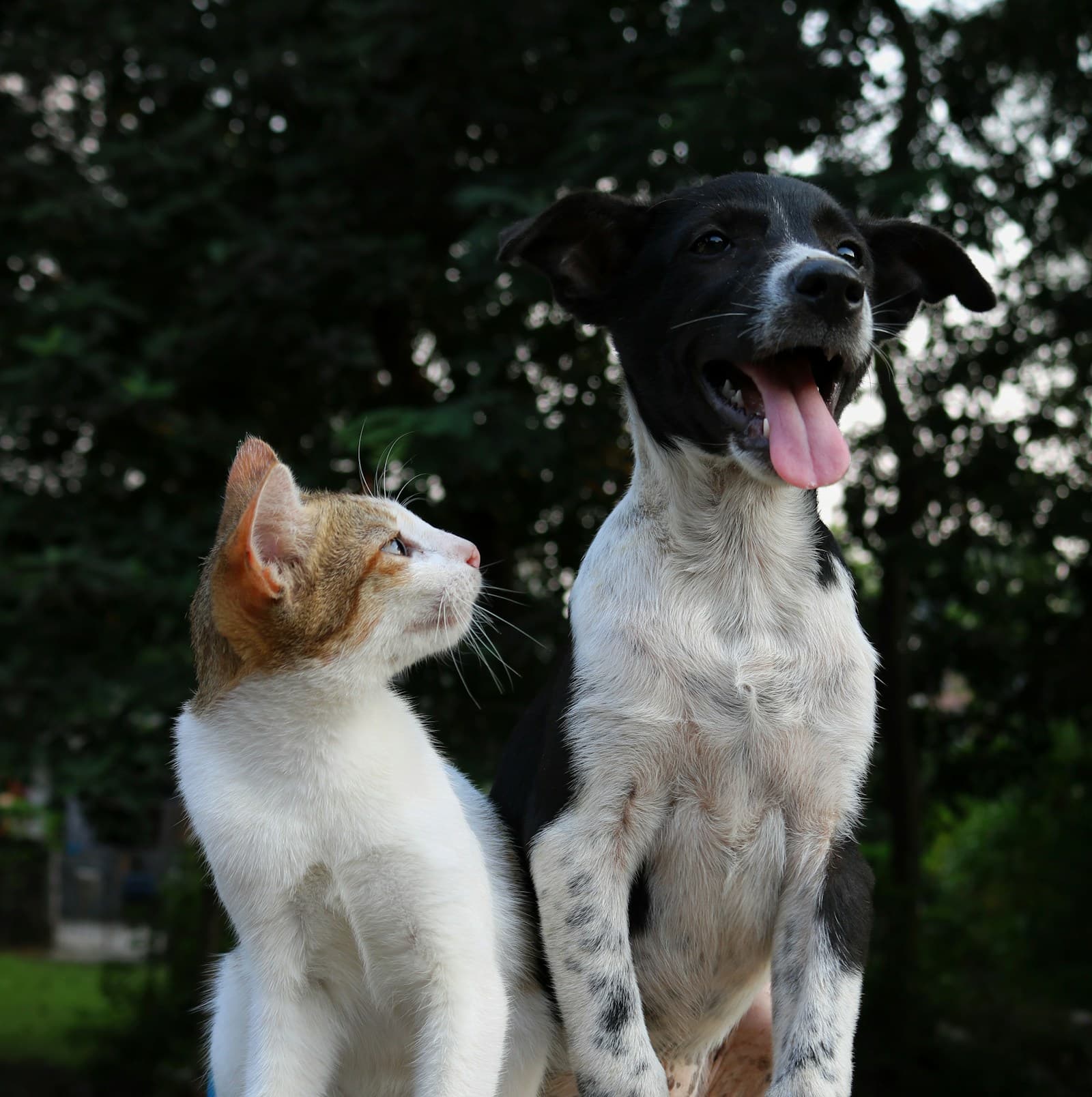
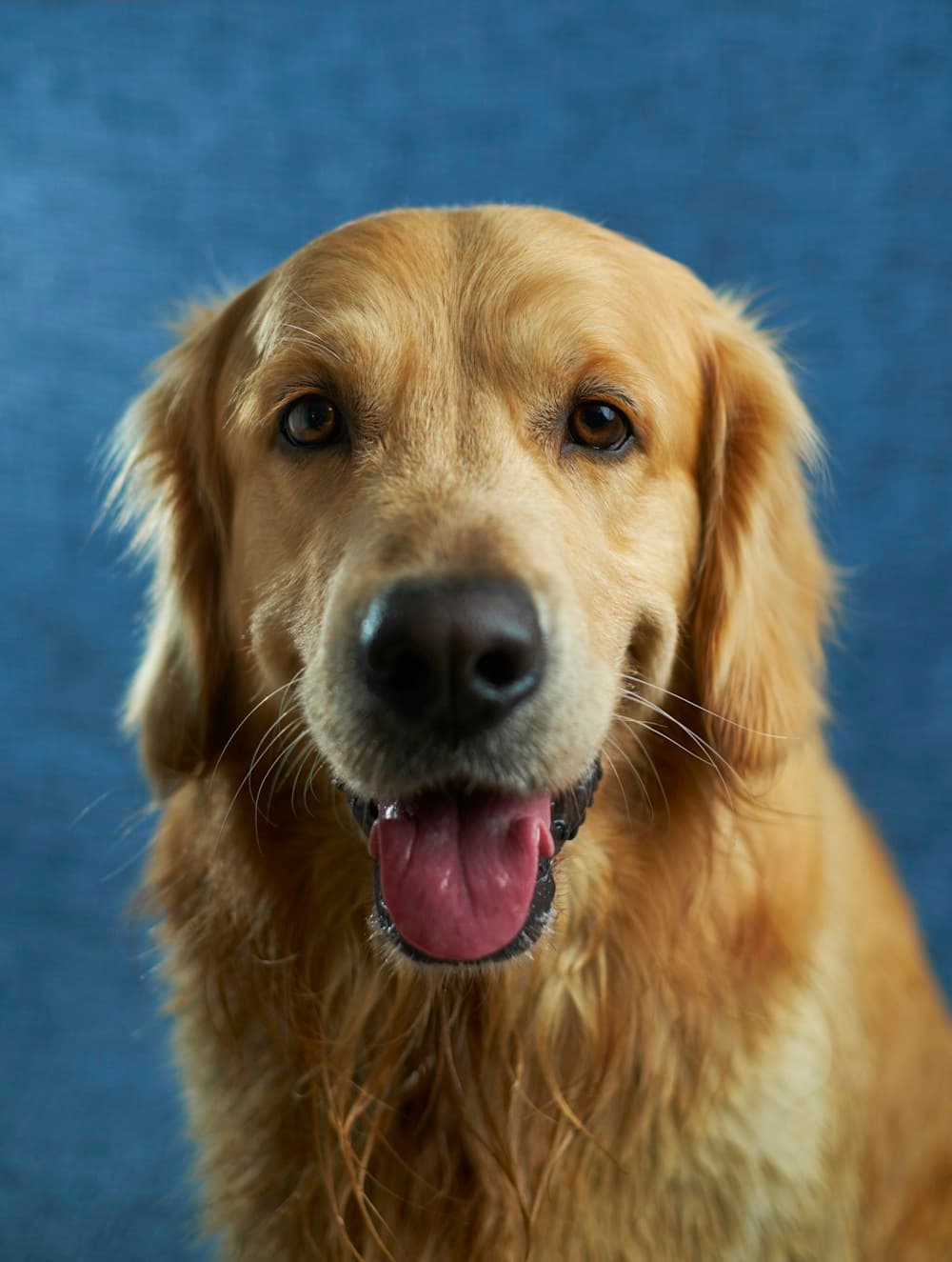
Empieza con una foto bien iluminada donde se vean la cara y las orejas de tu perro. Para un retrato reconocible, menciona detalles como una mancha blanca en el pecho, orejas caídas, hocico oscuro o una expresión favorita. Un solo perro ante un fondo sencillo ofrece una referencia más clara a la IA.
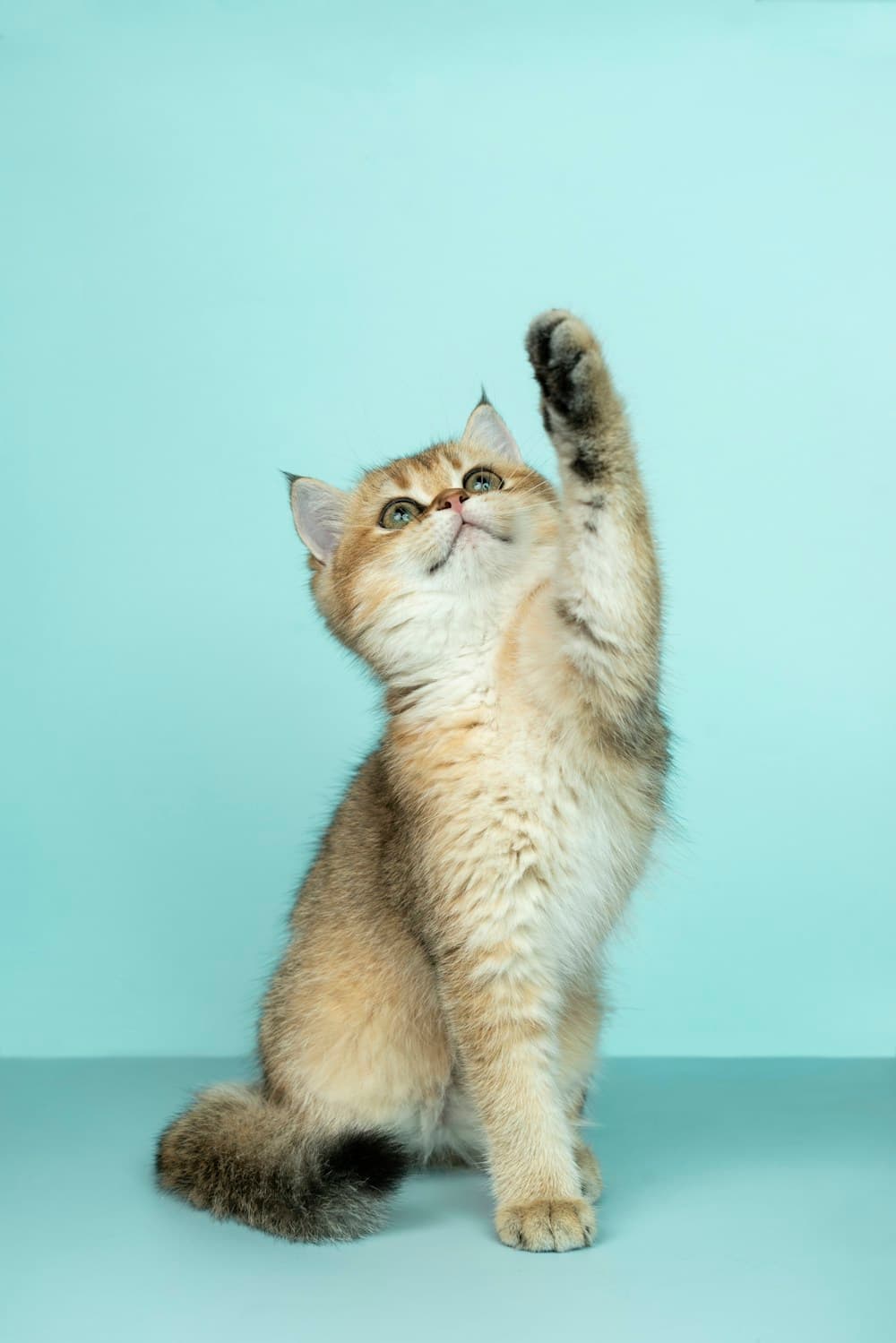
Usa una foto nítida donde se vean los ojos, bigotes y marcas del pelaje. Indica en el texto las rayas, patas blancas, marcas distintivas de la nariz o color de ojos. Tras generar, compara esos detalles con el original antes de guardar tu retrato favorito.
Sube una foto, elige el aspecto y revisa tu retrato digital personalizado.
1. Sube la foto de tu mascota
Elige una foto nítida de tu perro o gato en JPG, PNG o WebP. Deben verse los ojos, las orejas y las marcas distintivas. Sube una foto antes de generar.
2. Elige un estilo
Elige acuarela, óleo, caricatura o boceto a lápiz. Añade detalles sobre tu mascota y el fondo que quieres. Revisa el modelo seleccionado y los límites de uso.
3. Genera y descarga
Genera tu retrato, compara sus rasgos con el original y descarga la imagen terminada desde la tarjeta de resultado. Ajusta el texto si hace falta; cada nueva generación consume tu cuota disponible o créditos.

Empieza con una foto nítida, explora un estilo nuevo y revisa los pequeños detalles que hacen reconocible a tu mascota.