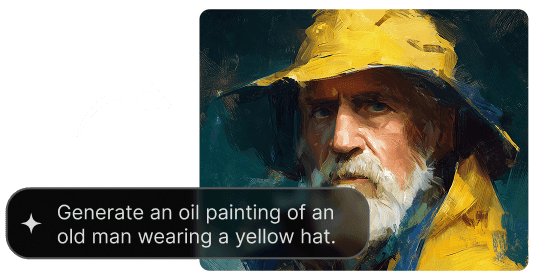
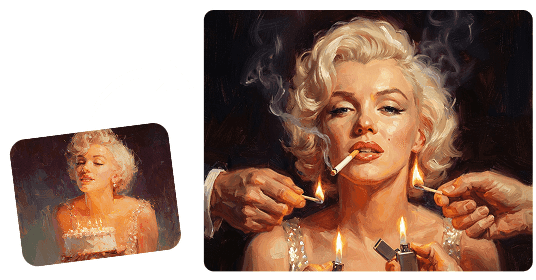
Usa gratis el modelo GPT Image 2.5 de OpenAI: sin registro, sin suscripción a ChatGPT Plus y con generaciones ilimitadas.
Convierte un prompt sencillo en imágenes pulidas para campañas, conceptos de producto, publicaciones sociales, ilustraciones y proyectos creativos. Describe el sujeto, la composición, el estilo, la iluminación y el texto, y sigue iterando en un solo espacio de trabajo.

Create images from text, revise existing visuals, improve composition, add readable text, and explore new styles without switching tools. GPT Image 2.5 keeps generation and iterative editing in one workflow.
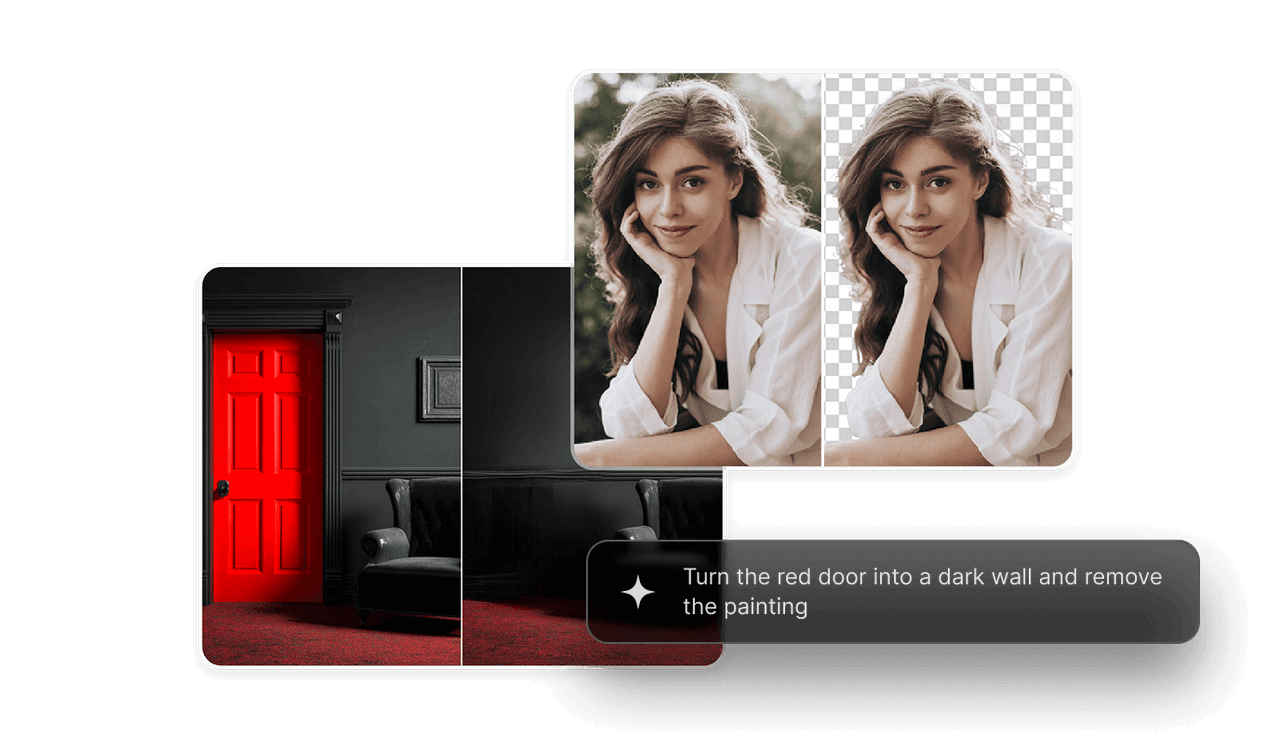
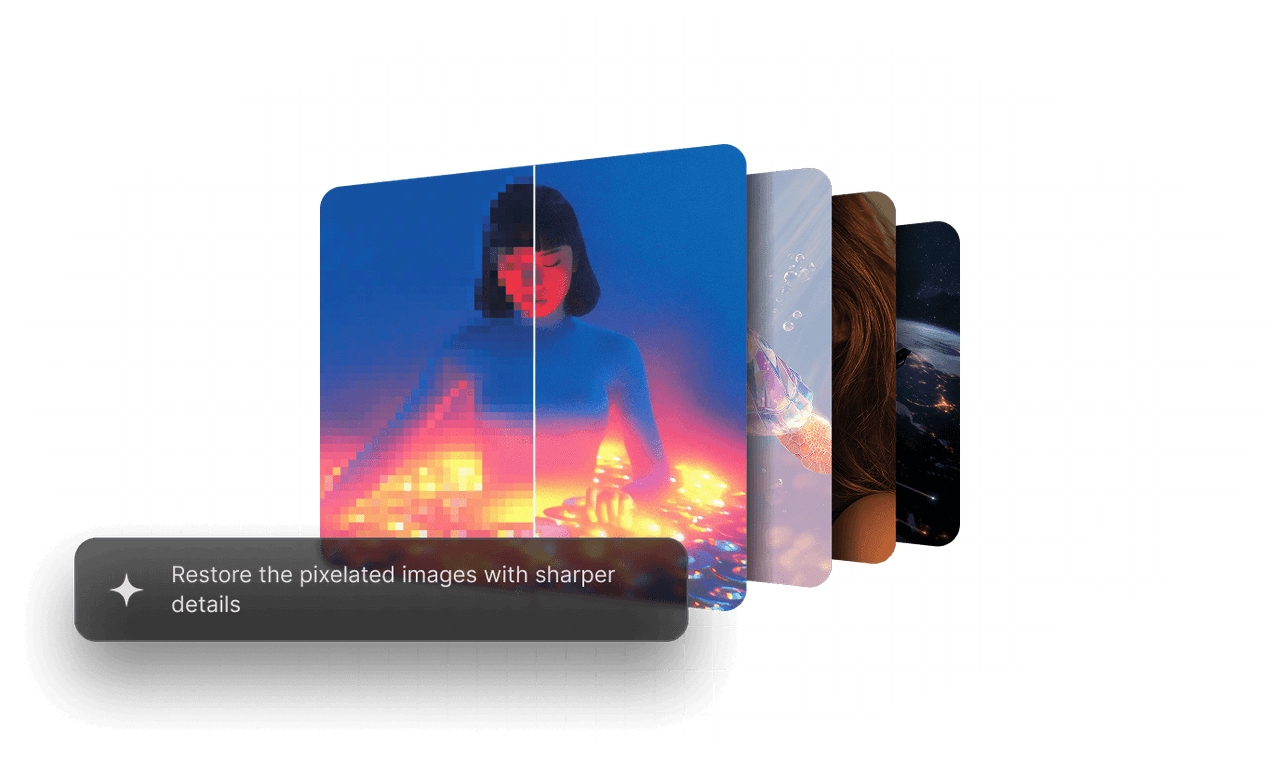
Explore product shots, posters, portraits, and campaign concepts from the same brief. Keep the core idea fixed while testing composition, lighting, style, and aspect ratio.
Use clear instructions and reference images to preserve the subject, layout, colors, and visual identity as you refine an image across multiple passes.
Produce product concepts, lifestyle scenes, and campaign assets while keeping backgrounds, lighting, and brand direction consistent across a catalog.
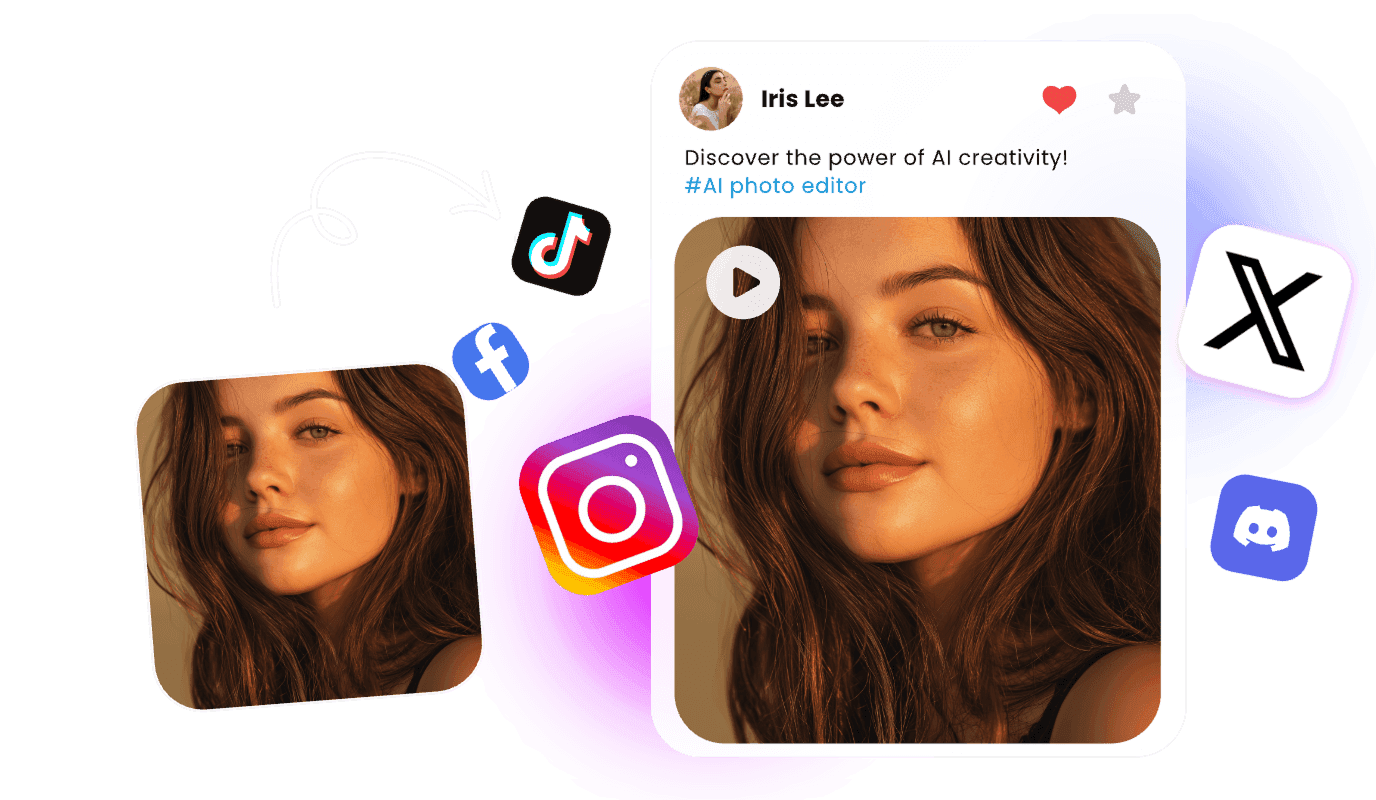
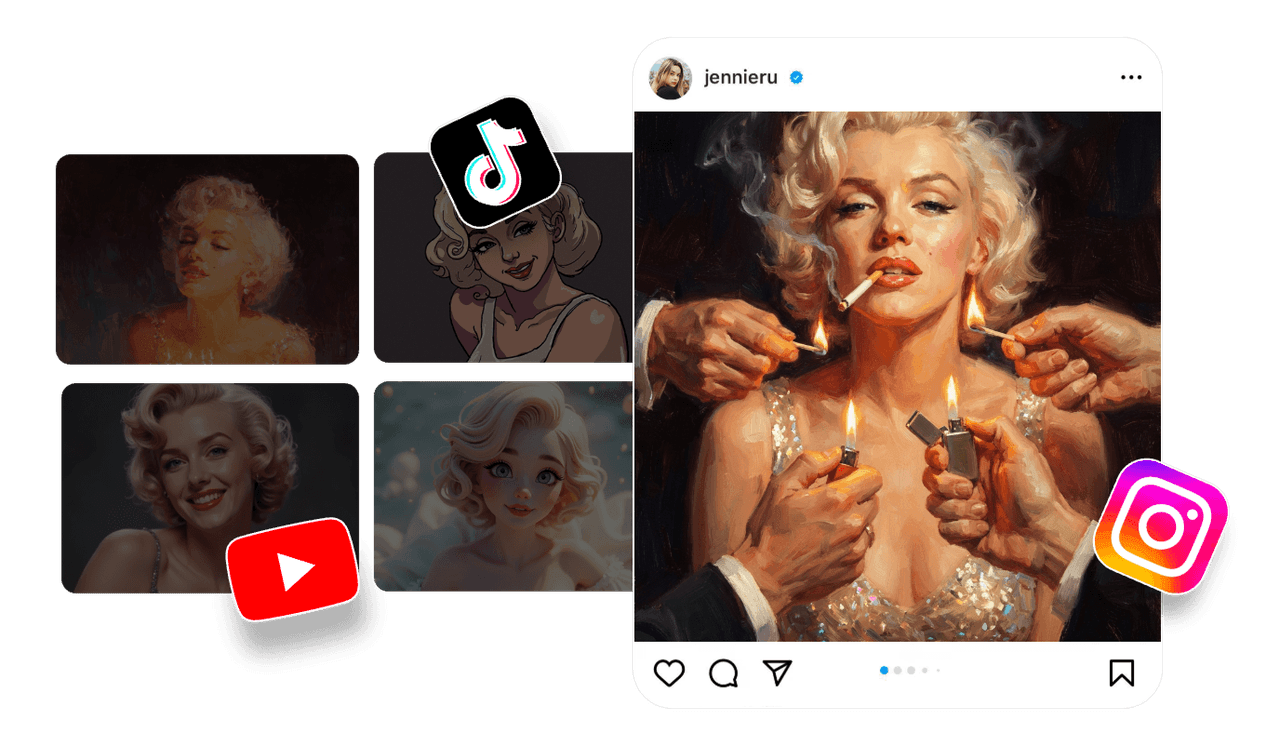
Turn a simple concept into multiple visual directions for Instagram, TikTok, YouTube, and paid social campaigns.
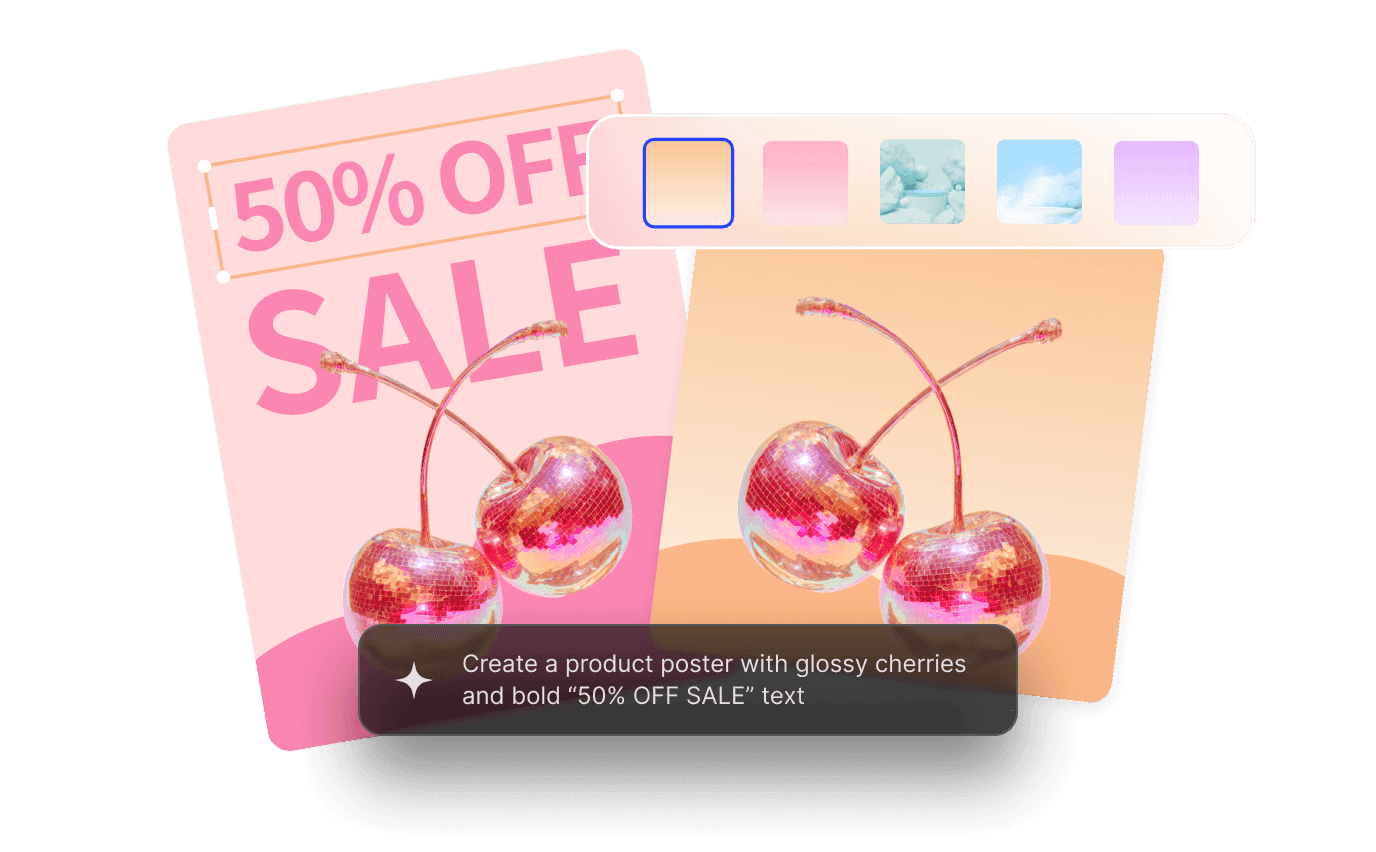
Generate ad concepts, banners, posters, and launch visuals on demand, shortening the path from brief to polished creative.
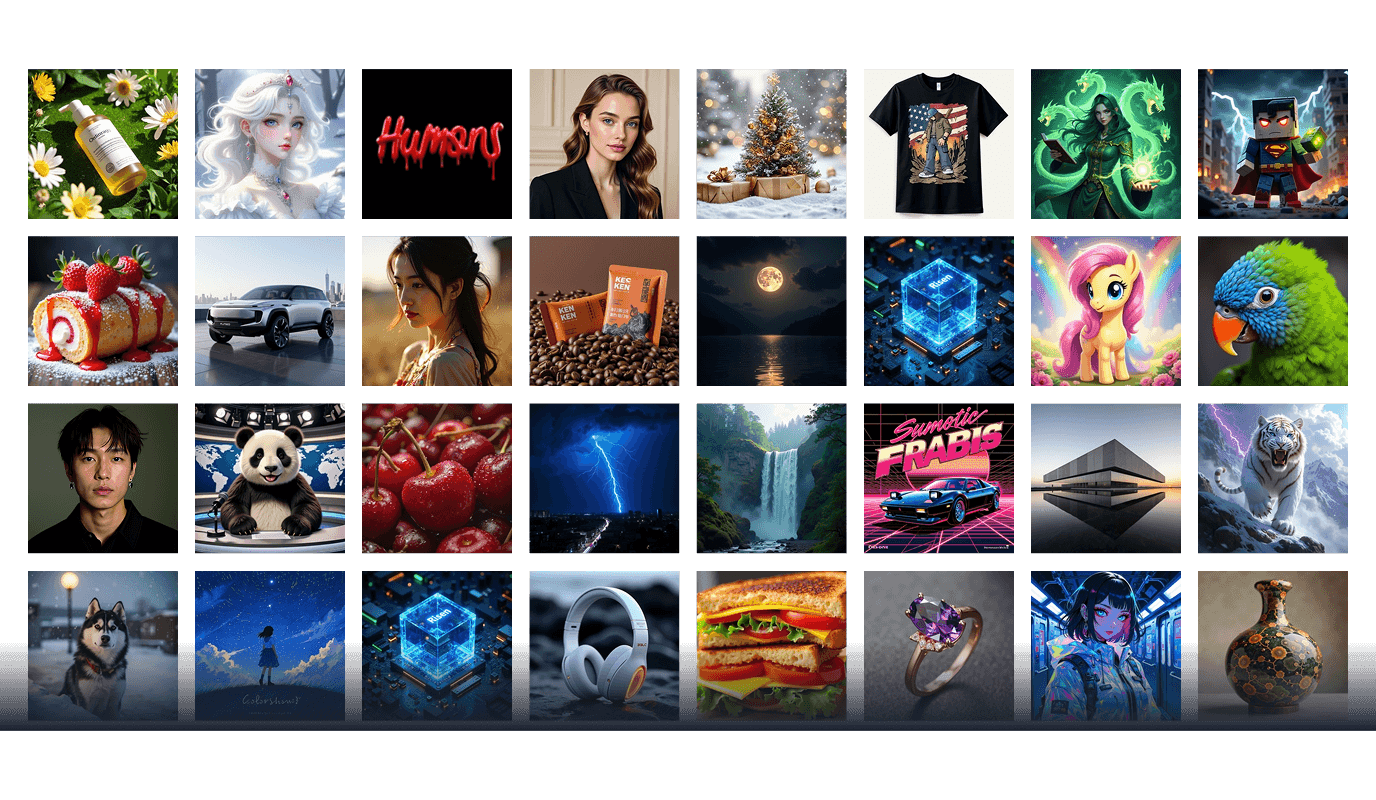
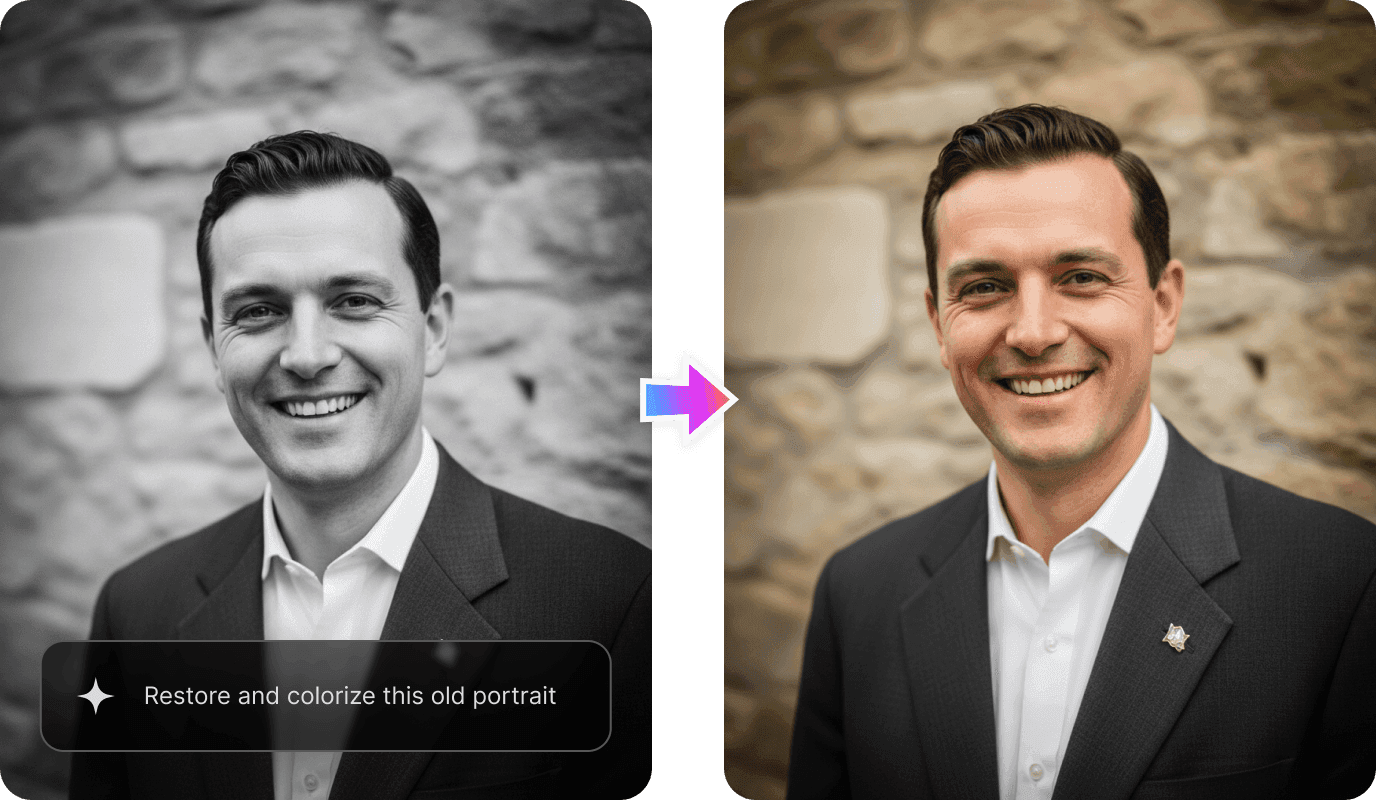
Create characters, scenes, story moments, and personal artwork, then refine details through natural-language instructions.
Generate, refine, and download an image in three simple steps.
Step 1: Describe Your Idea
Specify the subject, composition, style, lighting, text, and intended use.
Step 2: Choose & Configure
Confirm GPT Image 2.5 and set the aspect ratio, quality, and quantity.
Step 3: Generate, Refine & Download
Review the result, request changes with another prompt, and download the final image.

Start with one prompt, then generate, edit, and refine your visual in the same workspace.