
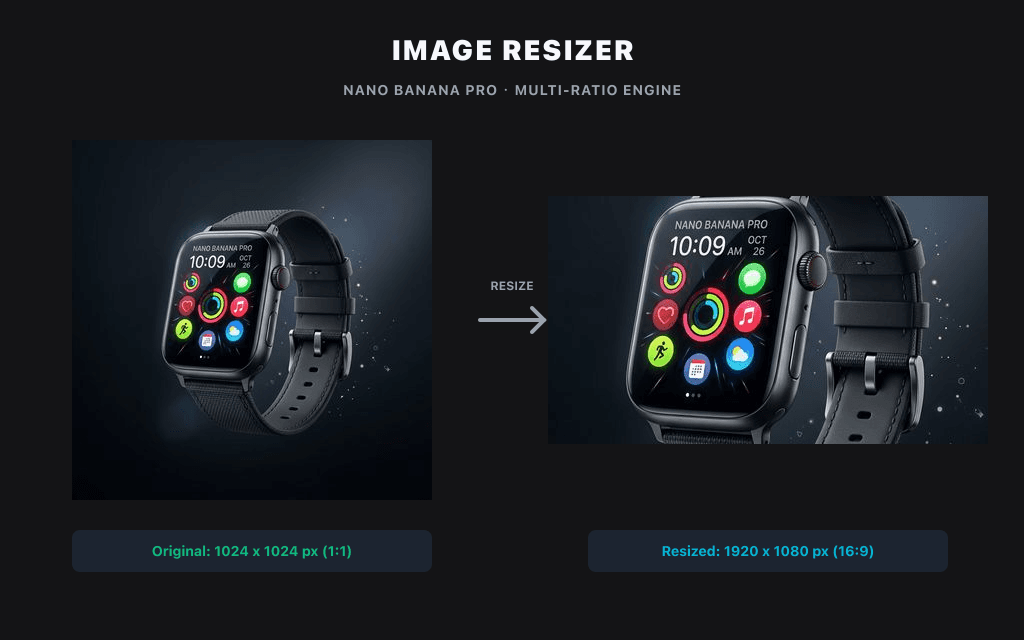
Cambia el tamaño y la resolución de tus imágenes localmente en segundos, sin subir archivos.
Utilidad local de imágenes
Las imágenes se procesan con Canvas en este navegador y, por defecto, no se suben a Product API.
Sin subidaSin créditosSolo navegador
Tamaño predefinido
Formato de salida
Recorte para redes sociales
Elige o suelta una imagen para procesarla y previsualizarla localmente en este navegador.
Ejemplos
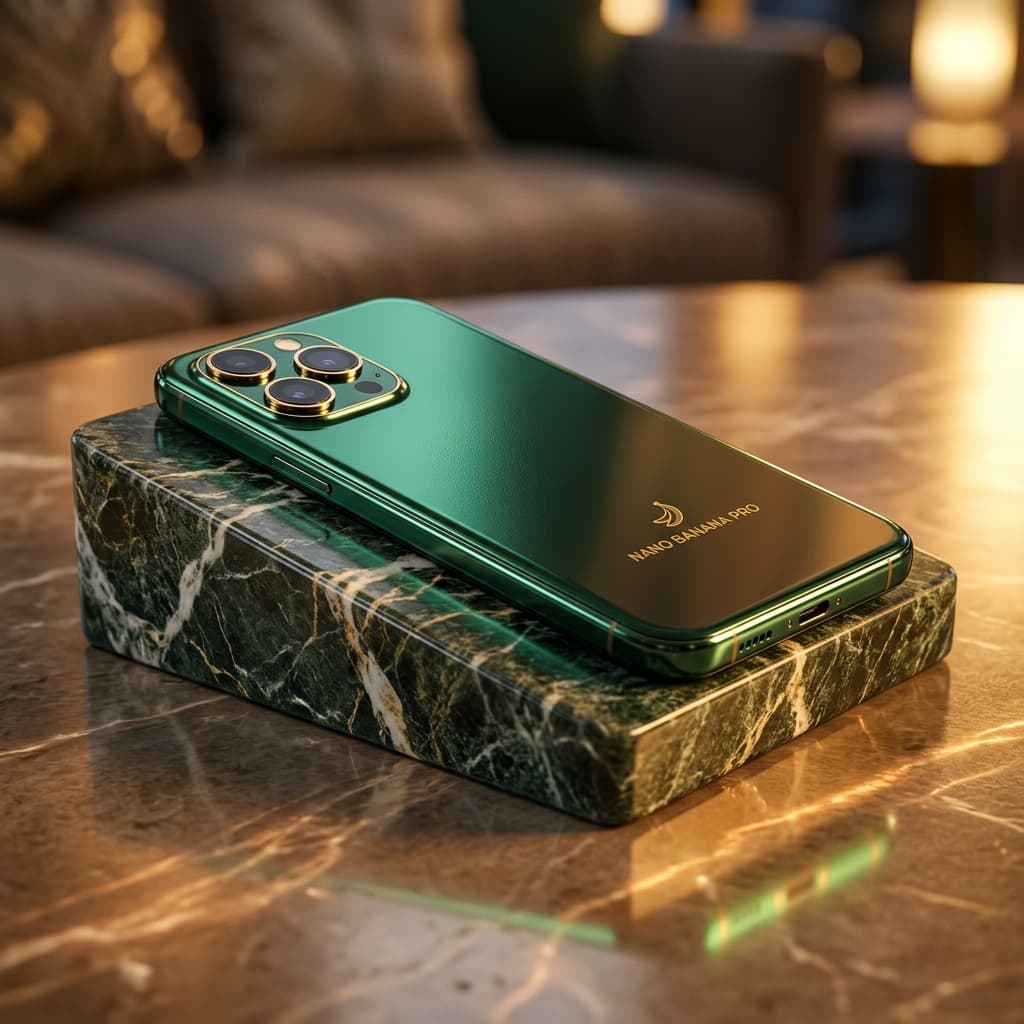
Ajuste a cuadrícula de productos
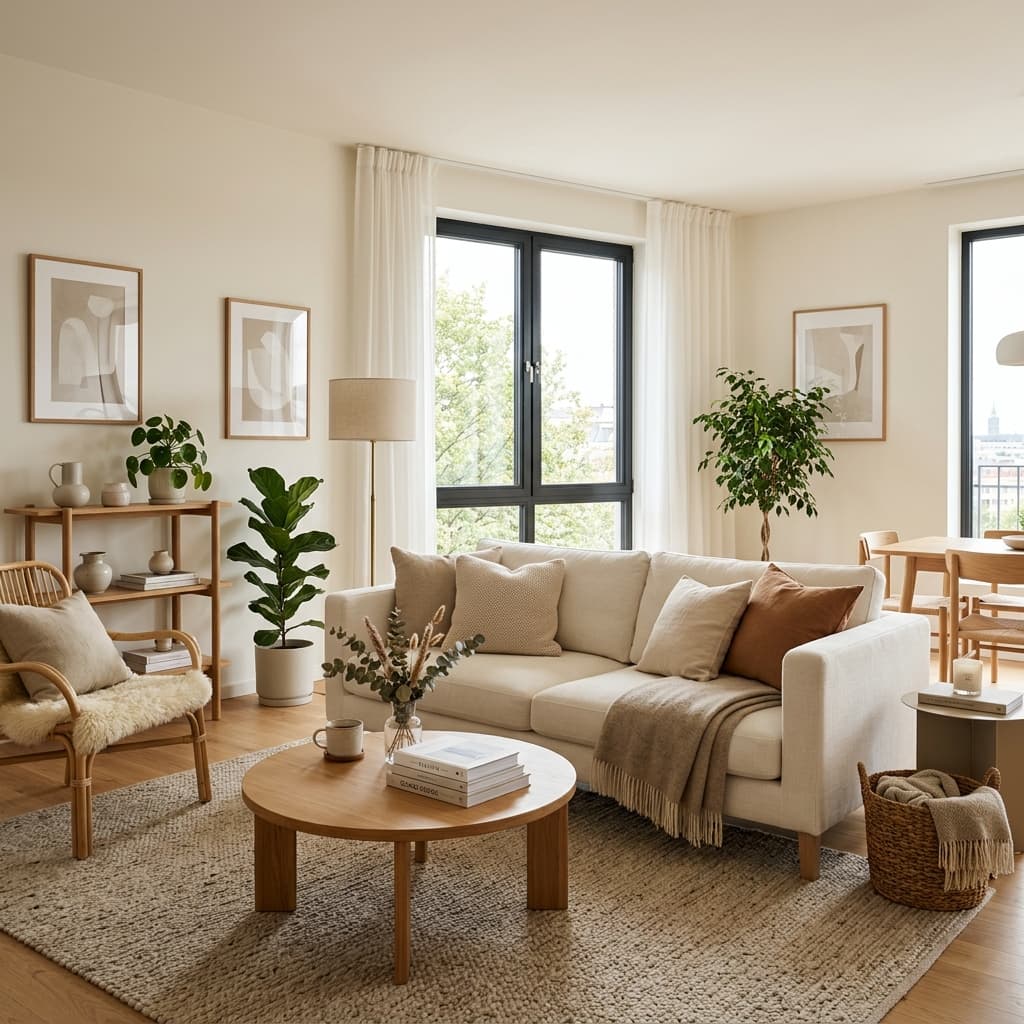
Ajuste a formato banner
Herramientas relacionadas
AI SuiteExplore más herramientas de imagen inteligentes para continuar con su flujo de trabajo creativo:
Preguntas Frecuentes
How do I resize a PNG without losing quality?
Keep the aspect ratio locked and resize by pixels rather than upscaling. Because the tool processes your PNG locally in the browser, there's no re-compression from an upload — the main cause of quality loss.
Is this image resizer free?
Yes, completely free. No signup, no usage limits.
Can I resize images without uploading them?
Yes. Files are processed entirely in your browser and never leave your device.
What size should I resize images to for Instagram?
1080 × 1350 para el formato vertical, 1080 × 1080 para el cuadrado y 1080 × 566 para el horizontal.
How do I resize an image to 1 MB?
Enter your target pixel dimensions, then choose the JPG or WebP quality level that brings the file under 1 MB. Lower quality = smaller file; the preview lets you check sharpness before downloading.
What file formats are supported?
PNG, JPG/JPEG and WebP. You can convert between them while resizing.