
Upscale up to 4K
Choose 720p, 1080p, 2K or 4K to suit your next edit, presentation or screen.


Give your videos a clearer finish. Upload an MP4 or paste a video URL, choose up to 4K resolution, and let AI handle the upscale.
Add a video and choose your output resolution to begin.
Explore video enhancement examples, then try the workflow with your own footage.


Reference demonstration. Results vary by source video.
Choose 720p, 1080p, 2K or 4K to suit your next edit, presentation or screen.
Upload a local MP4 or use a public video URL. No prompt or reference image is needed.
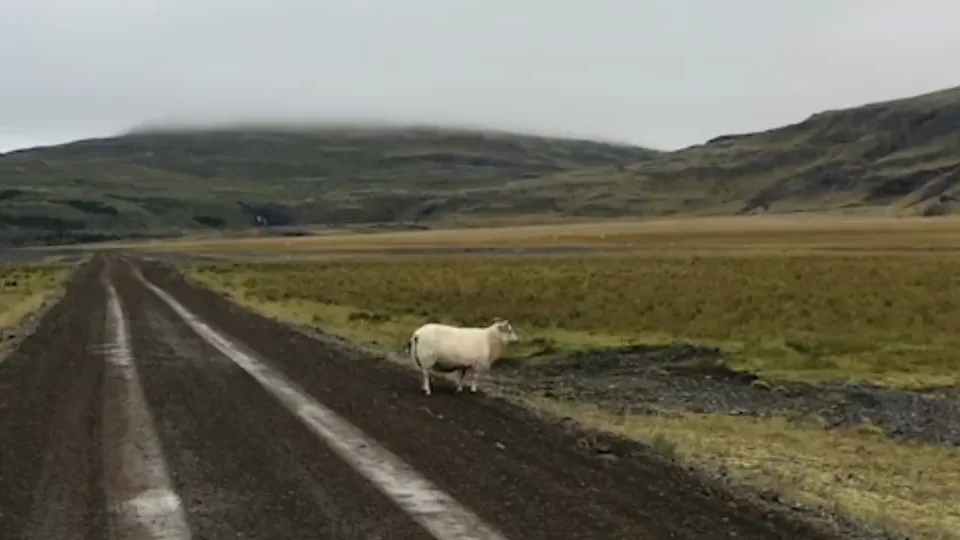
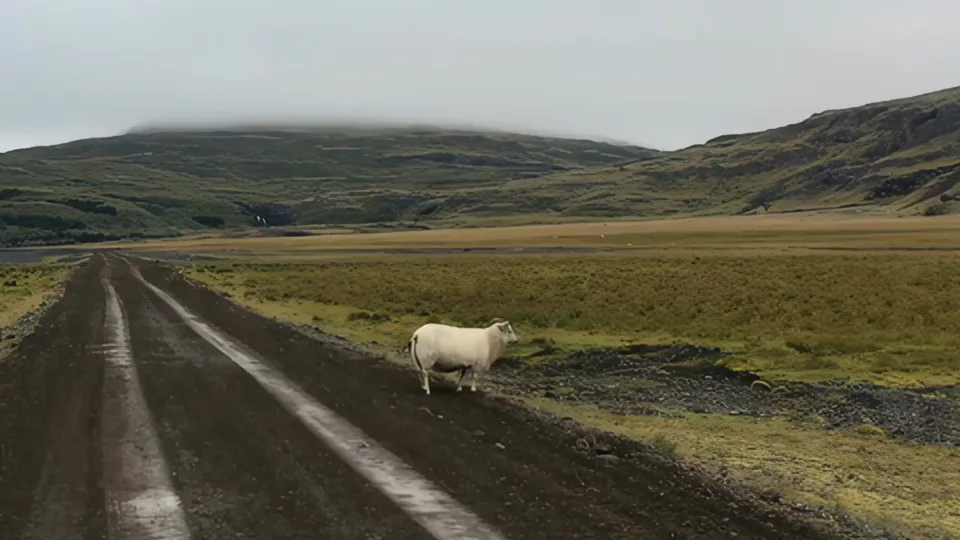
Start one task, follow its progress, and download the enhanced video when it is ready.


Upload an MP4 or paste a public HTTPS video URL.
Select 720p, 1080p, 2K or 4K and review the estimated credits.
Start the upscale, wait for completion, and download your result.
Free images include a watermark. Upgrade for clean outputs, faster generation, and commercial use.
Billed annually · $120 $60/year
UNLIMITED & FREE GENS
Learn more >Billed annually · $240 $120/year
UNLIMITED & FREE GENS
Learn more >Billed annually · $480 $240/year
UNLIMITED & FREE GENS
Learn more >Billed annually · $960 $480/year
UNLIMITED & FREE GENS
Learn more >An AI video upscaler processes an existing video to produce a higher-resolution version. The result depends on the quality and detail available in the source footage.
You can choose 720p, 1080p, 2K or 4K. The default is 1080p.
Yes. Upload a local MP4 or provide a publicly accessible HTTPS video URL.
No. Add your source video and choose an output resolution. This tool does not require a prompt, reference image or duration setting.
The tool shows the estimated credit cost before you start. Your account balance and the current model pricing determine whether the task can proceed.
Processing time varies with the source video and service availability. The page checks the task every 10 seconds and makes the download available when processing finishes.
No. Heavily blurred or compressed footage may still contain artifacts after processing. Review the completed video before using it in a final project.
Add your video, choose a resolution, and start your upscale.
Upscale Video