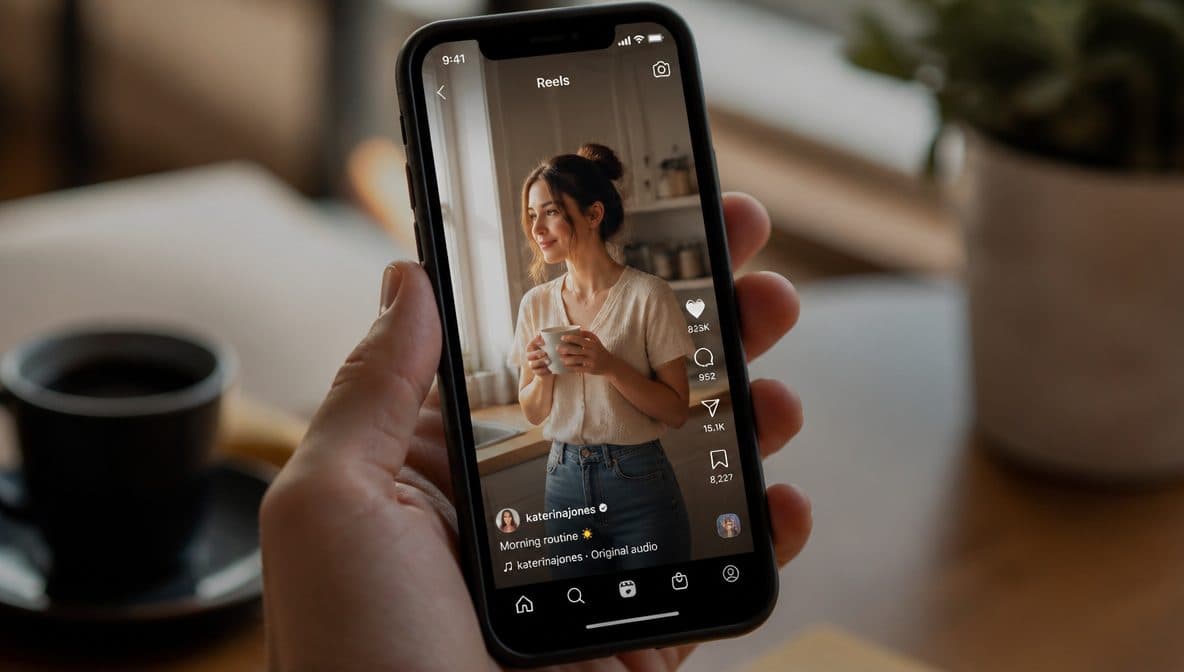
Start from a useful brief
Define the output type, subject, material, setting, light, ratio, and safety boundary before writing the final prompt.
Generate and compare
Run a small set of variations, keep the strongest result, then send cleanup work to dedicated image tools.
Review before publishing
Check subject truth, rights, commercial claims, and platform rules before downloading or using the image.
Contoh prompt
Mula-mula, sedia untuk disalin
Salin contoh, kemudian gantikan subjek dan perincian penghasilan dengan bahan yang boleh anda gunakan.
Create a product catalog image for a matte metal desk lamp, softbox reflection, clean contact shadow, neutral background.
Keep the same object and crop, improve material texture, reduce clutter, keep realistic studio lighting, no text.
Prepare the image for ecommerce display with clear object edges, balanced crop, and no fake platform badges.
Soalan Lazim
Soalan lazim
Start with a short structured prompt, then add details only when they control the output.
Avoid restricted brands, real-person likenesses, fake UI, and unsupported model claims.
Use generation first, then route into image tools for cleanup, resize, or enhancement.
Keep exploring
Related features
Related tools
Tindakan seterusnya
Try the workflow
Move from the guide into a focused FreeCreate workflow and review the result before publishing.

FreeCreate Editorial
Practical, source-aware guides for AI image, editing, product, and video workflows.