
Best use
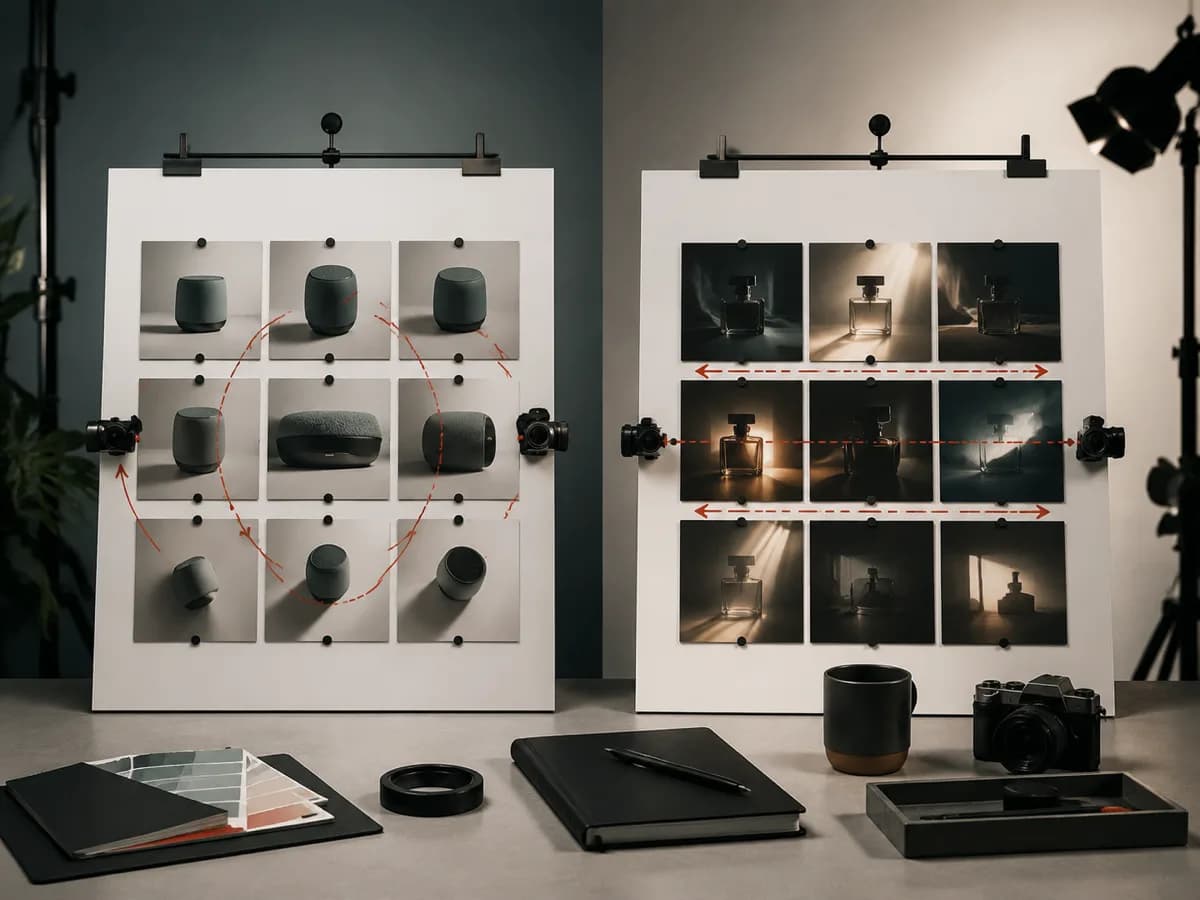
Kling-style searches often focus on motion quality and image-to-video setup. The useful FreeCreate page explains planning steps before generation.
Workflow guardrails
Keep comparisons factual, avoid fake benchmarks, and connect each conclusion to a visible prompt, source frame, and reviewed output.
- No fake scores.
- Use the same brief for comparisons.
- Review the full clip before publishing.
Esempi di prompt
Prompt pronti da copiare
Copia un esempio, poi sostituisci il soggetto e i dettagli di produzione con materiali che puoi usare.
A slow half-turn product fashion shot, neutral studio floor, realistic fabric motion, smooth camera orbit, no logos.
A close product food shot with subtle steam movement, stable plate position, soft side light, realistic commercial texture.
A controlled reveal of a device sliding from shadow into light, minimal table, crisp edge highlights, cinematic pacing.
FAQ
Domande frequenti
Use the page to prepare a stable source frame and concise motion prompt, then continue in the linked FreeCreate video workspace.
Use short camera movement, clear subject continuity, and one desired motion outcome.
Comparison content helps users choose the right workflow without inflating claims on feature pages.